
Tried this Christmas product photoshoot prompt on Nano Banana Pro and it’s perfect for making anything look like it belongs in a high-end holiday ad.
You upload your product photo (it stays exactly the same with no changes to shape, label, or text) and it places it front and center in a luxury festive scene. Think warm golden lights, blurred Christmas tree bokeh, and subtle props like ribbons or ornaments around it without covering anything important. You can choose a cozy indoor, studio, or outdoor snowy vibe. The lighting is soft and premium, with a shallow depth of field that looks super professional.
By the way, you can also use it in other AI software like ChatGPT and Grok.
How to tweak this holiday product shoot for your brand
This thing is super flexible, so feel free to play around with the settings to match your vibe.
- Change the setting: put your product in a cozy indoor spot, clean studio backdrop, or snowy outdoor scene. The lighting shifts on its own to keep everything looking natural.
- Brand safety first: the prompt won’t touch your logos or text – it keeps everything exactly as is, which is huge if you’re running a real brand.
- Add some holiday touches: throw in holly, ribbons, fairy lights or ornaments. They get placed around the product naturally, never blocking your branding.
- Lighting tip: it uses that nice rim light for depth. If your product is glass or shiny, it picks up the holiday glow perfectly without harsh glare.
Prompt For Christmas Product Photoshoot Prompt
A luxury Christmas-themed product photoshoot set in a [COZY / STUDIO / OUTDOOR] environment. Place the uploaded product image as the hero object, standing upright at the center of the frame. The product must remain EXACTLY unchanged in [shape, size, material, colors, label design, typography, logos, and all visible text]. Do not modify, recreate, translate, enhance, or stylize any product text.

Scene & background: A festive [BACKGROUND TYPE — e.g. wooden windowsill, velvet studio backdrop, snowy landscape] with [SEASONAL DETAILS — e.g. softly falling snow, blurred Christmas tree lights, winter village bokeh]. Foreground includes subtle holiday accents such as [FESTIVE PROPS — e.g. holly, ribbons, ornaments, fairy lights], placed naturally and never covering the product.

Styling: Optional festive accessory on the product such as [HAT / SCARF / RIBBON], perfectly fitted without altering the product’s structure or covering the label.
Lighting & camera: Warm golden Christmas lighting contrasted with cool winter tones. Soft diffused light, gentle rim lighting for depth, no glare or harsh reflections on the product text. Shallow depth of field with a softly blurred background. Shot on DSLR, [LENS — e.g. 85mm], professional product photography.

Quality & mood: Ultra-high resolution, photorealistic textures, premium holiday advertising aesthetic, clean editorial composition, cozy, elegant, and festive.
via: @aleenaamiir
Example
Picture
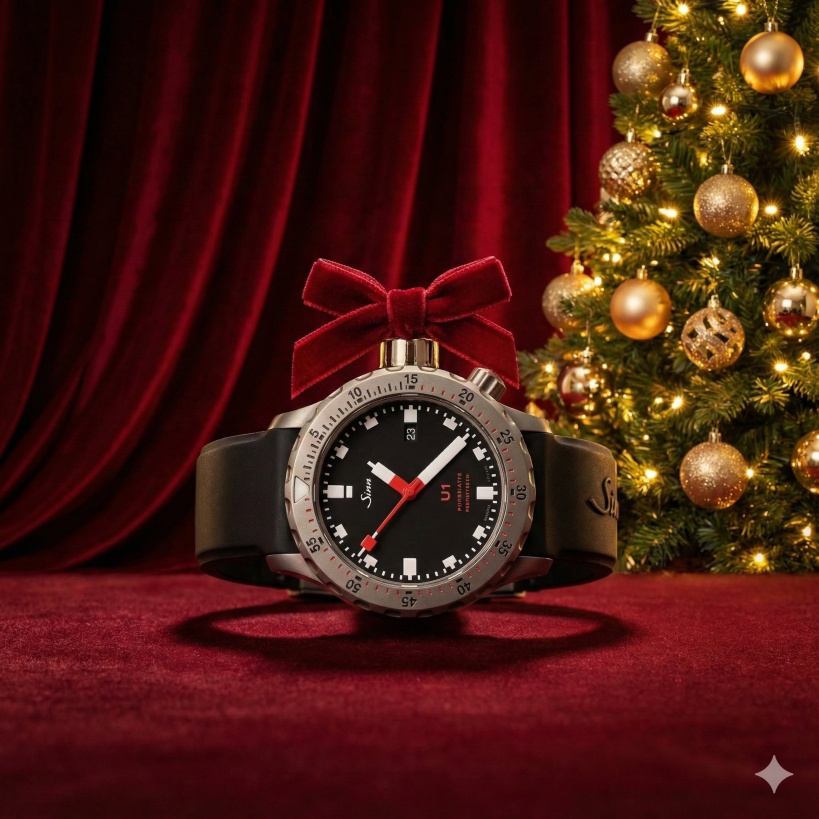
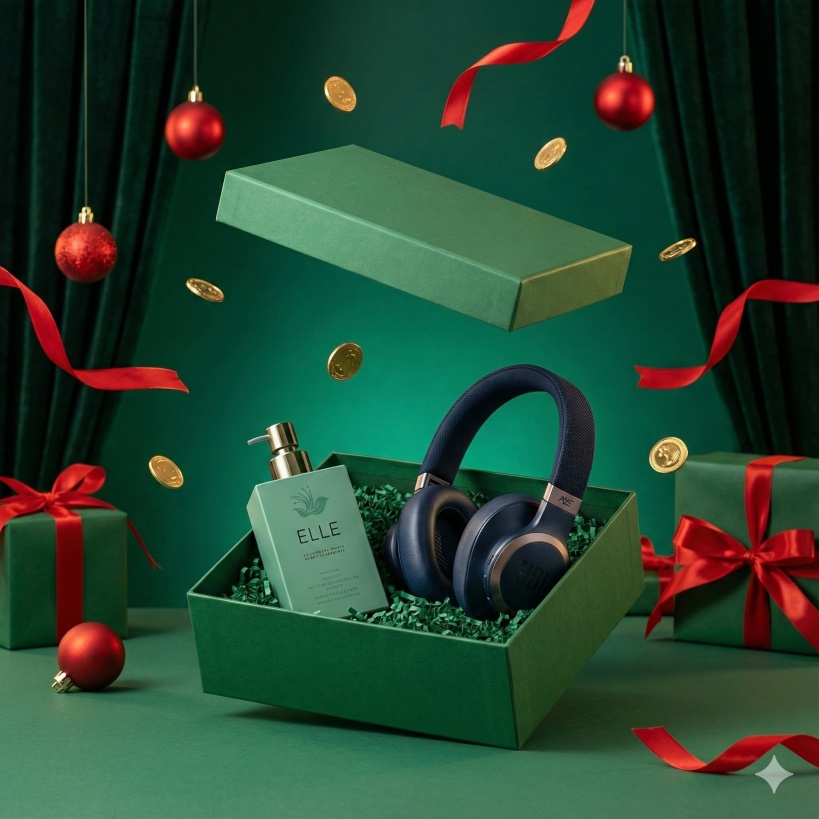
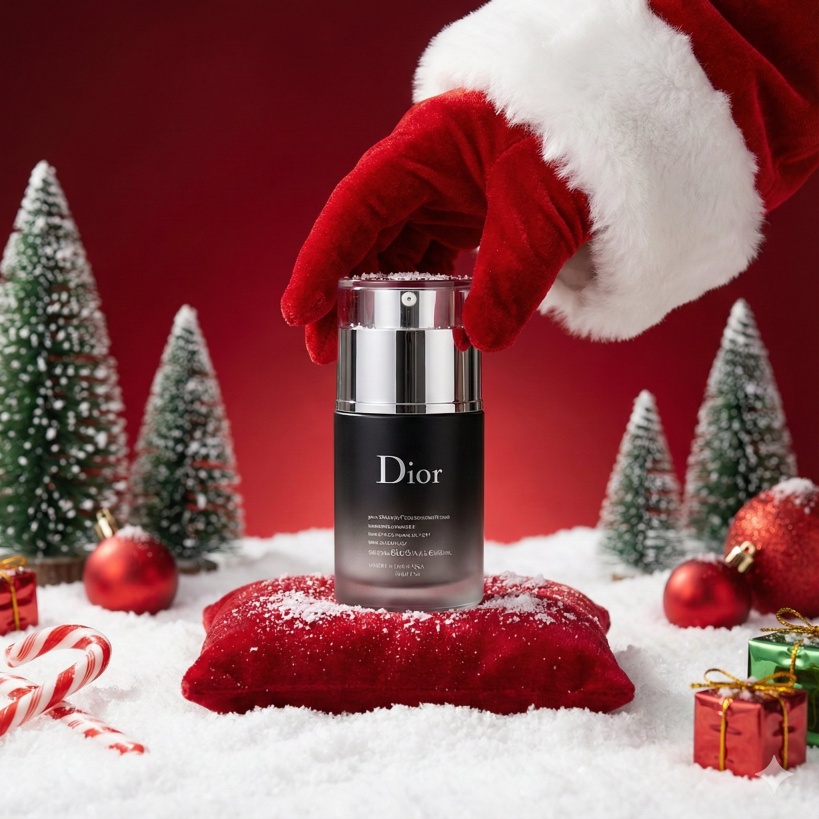
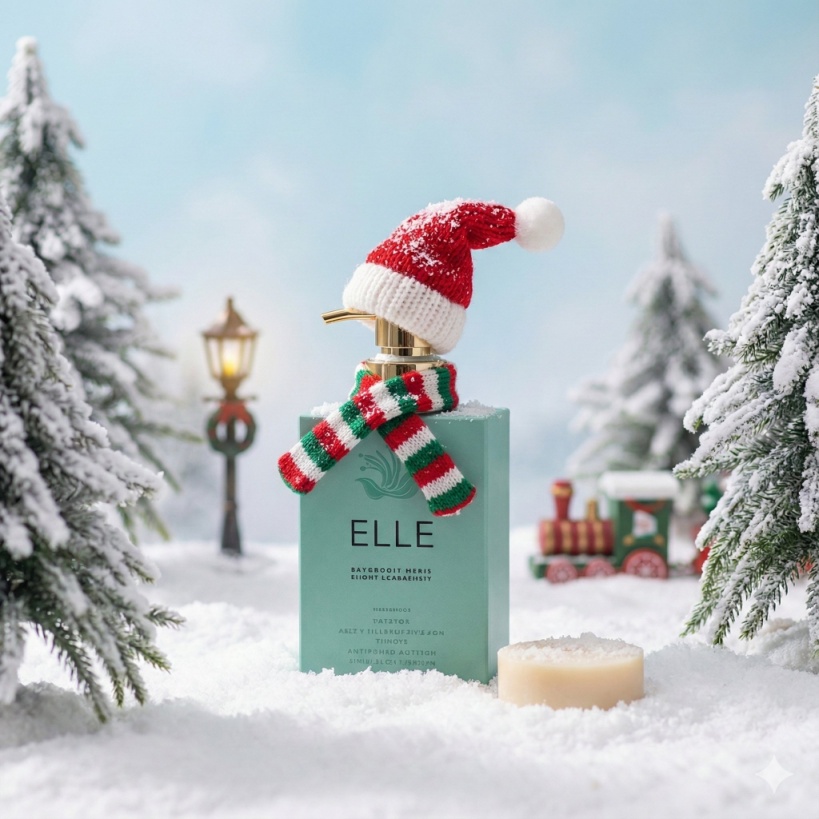
Use this prompt to generate your version? Share in the comments or on Twitter!
Explore more? View the Image & Design category or Nano Banana series.
I hope you’ve found this Gemini Nano Banana Pro AI Prompt helpful.
Follow me @bigprompt for more.
Like/Repost if you can this prompt.
Internal link:
Turn Your Selfie into a Cute Tiny Christmas Character
Welcome 2026 New Year Prompt, The “Big Text” Cityscape Illusion
Peeling Paper Wall Illusion Prompt – Cat Between 2D and 3D Forest
Smartphone Illusion Photo Prompt – How to do the “Stepping Out of Phone” look