
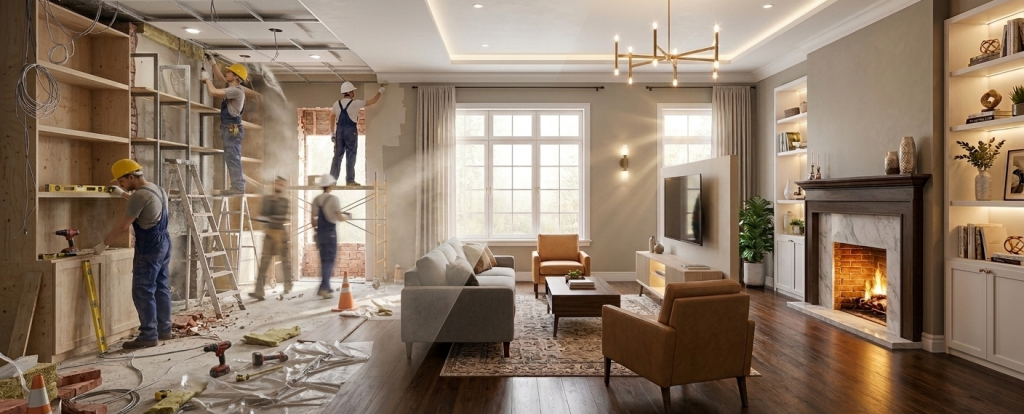
The renovation transformation prompt is a precision visual framework designed to execute “Before-and-After” transitions with absolute architectural fidelity. By anchoring to a base reference photo, it enforces a strict policy on preserving ceiling heights and window placements. This system sequentially simulates an active construction environment followed by a refined final visualization. It enables real estate professionals to generate high-accuracy renders from site photos while maintaining original spatial geometry for commercial-grade staging and prototyping.
Renovation Transformation Prompt
Model fit: ChatGPT, Gemini (Nano Banana Pro&2), Midjourney and similar image models.
Upload a reference image and replace the bracketed variables to trigger the structural evolution.
INPUT REQUIREMENT:
Use the uploaded image as the structural foundation of the space.
Do NOT change the room layout, ceiling height, window placement, wall positions, or camera angle.
Preserve architectural proportions and spatial geometry.

--------------------------------------------------
STAGE 1 – ACTIVE RENOVATION (In-Progress Simulation)
--------------------------------------------------

Convert the space into an active renovation environment while maintaining original structure.

Add:
• construction dust in air
• partially removed wall finishes
• exposed wiring and ceiling cutouts
• ladders, tools, insulation pieces
• safety cones or floor protection sheets
• workers wearing helmets and work uniforms
• painters applying primer
• electricians installing recessed lighting
• carpenters building cabinets or shelves

Lighting:
Neutral, slightly harsh, temporary construction lighting.
Visible dust particles in light beams.
Subtle natural motion blur on workers.

--------------------------------------------------
STAGE 2 – FINISHED RENOVATION (Final Visualization)
--------------------------------------------------

Gradually remove all construction elements.

Replace unfinished materials with:
[FLOORING TYPE]
[WALL FINISH]
[CEILING STYLE]

Apply interior design style:
[STYLE: modern / Scandinavian / industrial / luxury / minimal / contemporary / farmhouse]

Add:
[CUSTOM BUILT FEATURES]
[LIGHTING FIXTURE TYPE]
[FURNITURE STYLE]

Install coordinated decor:
plants, books, art pieces, textiles, rugs, soft lighting accents.

Lighting:
Warm ambient lighting.
Natural daylight from windows.
Soft shadows.
Cinematic interior glow.

--------------------------------------------------
OUTPUT QUALITY
--------------------------------------------------

Ultra-realistic
Photorealistic 4K detail
Volumetric light
Depth of field
Wide angle interior shot
Highly detailed textures
Architectural accuracy
How to Use
- Image Reference: Upload your “Before” photo first.
- Variable Filling: Ensure you replace every bracketed item (e.g., [FLOORING TYPE]) with specific materials to guide the AI’s texture engine.
- Structural Lock: Do not delete the “INPUT REQUIREMENT” section, as it holds the mandatory constraints for spatial geometry.
- Aspect Ratio: Always match the
--arparameter to the aspect ratio of the original uploaded photo.
Use Cases
- Before-and-After Staging: Transforming messy construction-site photos into high-end marketing renders for luxury listings.
- Design Prototyping: Testing multiple styles (e.g., Industrial vs. Farmhouse) over a single, fixed architectural base.
- Renovation Storytelling: Generating “visual timelines” that show the progressive cleanup and decoration of a residential space.
Why This Prompt Works
The renovation transformation prompt succeeds through Geometric Invariance Logic. By explicitly listing “Do NOT change” constraints at the onset, it overrides the AI’s tendency to hallucinate new spatial layouts. The unique two-stage narrative allows the model to deconstruct the image through construction descriptors before rebuilding it, ensuring the final interior elements feel structurally grounded in the original source photo.
Common Mistakes & Fix
- Layout Hallucination: AI changes the window position. Fix: Re-check that the “INPUT REQUIREMENT” is at the top; use higher image weight (
--iw 2). - Artifact Bleeding: Construction tools left in the final room. Fix: Ensure Stage 2 starts with “Gradually remove all construction elements.”
FAQ
- How do I ensure the final style is consistent?
By filling in the [STYLE] and [FURNITURE STYLE] variables with matching keywords, the renovation transformation prompt forces the AI to maintain aesthetic unity.
- Does this work for commercial spaces?
Yes. Replace the furniture variables with “office desks” or “retail shelving” to adapt the logic for non-residential projects.
Example
Picture
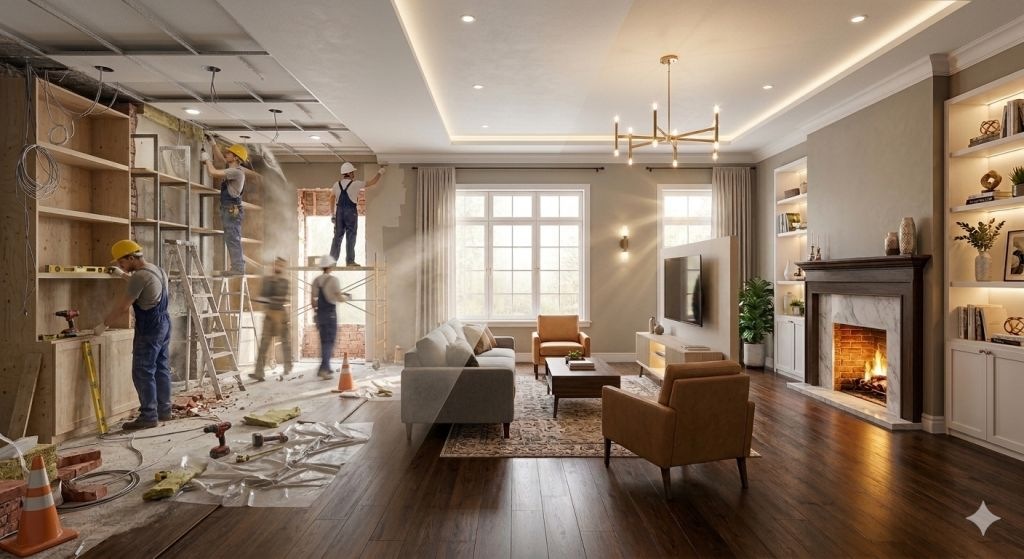
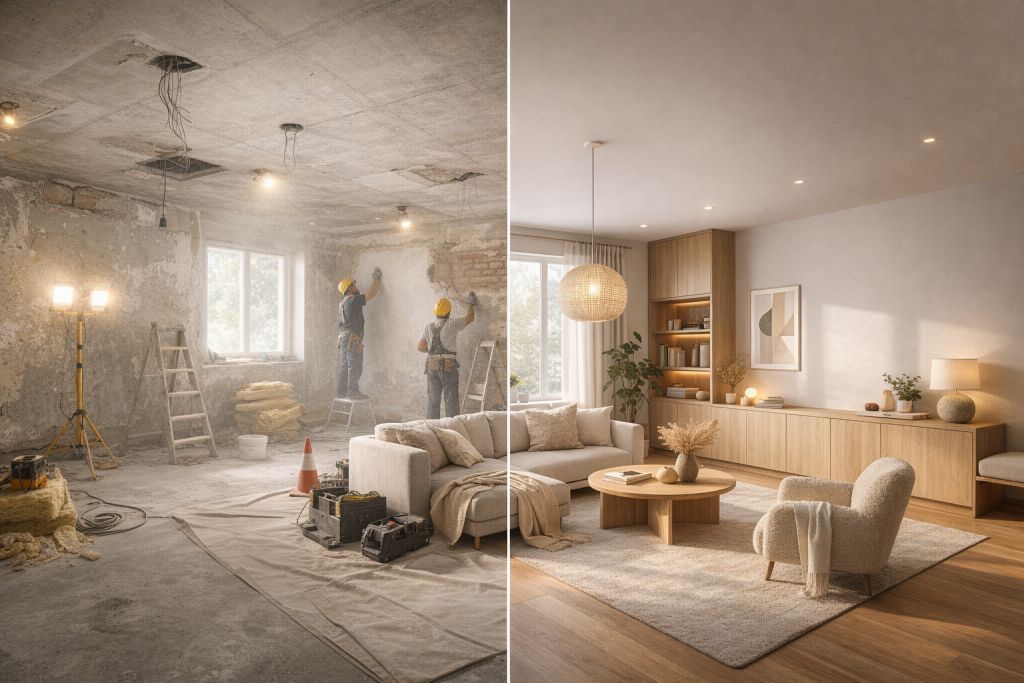
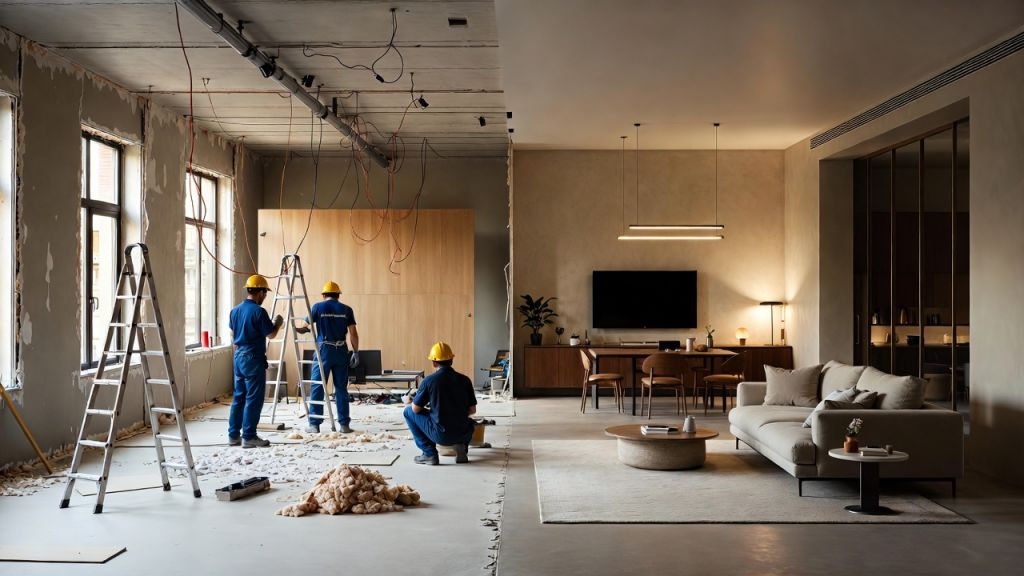
Same prompt, Gemini vs ChatGPT vs Grok
1. Generate using Gemini
2. Generate using ChatGPT
3. Generate using Grok
Use this prompt to generate your version? Share in the comments or on Twitter!
Explore more? View the Image & Design and Business & Productivity category.
I hope you found this renovation transformation image generation AI prompt helpful.
Follow me @bigprompt for more.
Like/Repost if you can this prompt.
Internal link:
Split-Dimension Manga to Reality Transformation Prompt
Ultra-Dense Office Wimmelbilderbuch Style Cutaway Prompt
3D Character Sketchbook Emergence Prompt for Cinematic Art
3×3 Product Editorial Grid Prompt for Commercial Campaigns
Professional Fridge Raid Portrait Prompt for Immersive Interior POV
Big Prompt Hub Review
This version of the renovation transformation prompt is an industry-leading asset for structural-preserving generation. Its reliance on explicit architectural constraints makes it highly stable for commercial use, where spatial accuracy is non-negotiable. The two-stage semantic structure provides a unique temporal depth, ensuring the final render feels like an organic evolution of the source photo.
Leave a Reply