
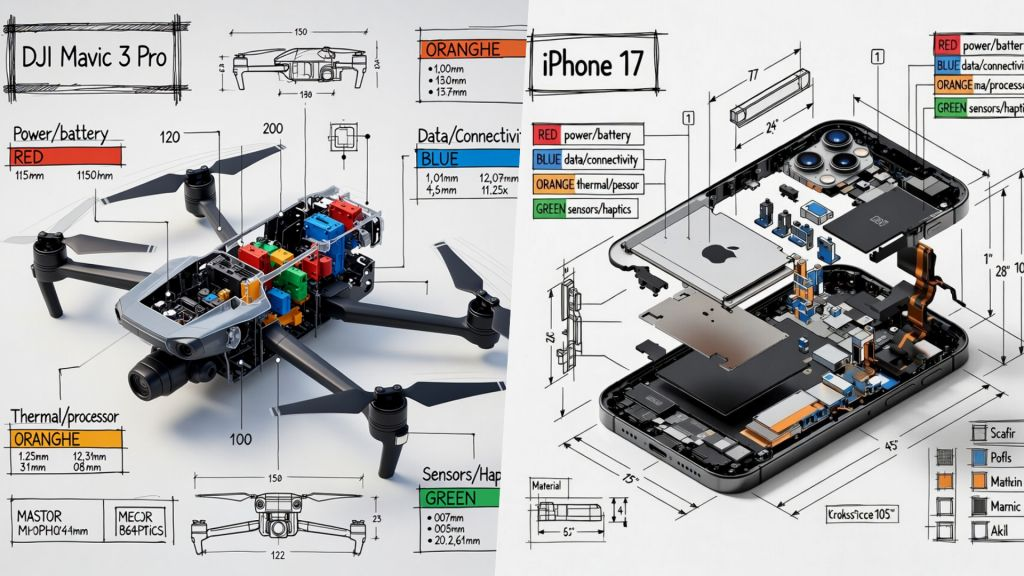
The technical infographic prompt is a 3D isometric framework for generating professional product teardowns with architectural annotations. It enables designers to produce high-precision “museum-exhibit” diagrams featuring transparent cutaway views and functional labels. This tool is optimized for creating educational engineering manuals and sophisticated product showcases that reveal internal components with cinematic clarity.
Technical Infographic Prompt
Replace [OBJECT] in the prompt with any device (e.g., “DJI Mavic 3” or “iPhone 15 Pro”) and run it in ChatGPT, Gemini, or Midjourney to generate a professional engineering-style infographic.
Create a technical infographic of [OBJECT] with a 45-degree isometric 3D perspective showing the device slightly tilted to reveal depth and dimension.
Combine a realistic photoreal render with black ink technical annotations on pure white background. Include:
Key component labels with color-coded callout boxes
Internal component visibility through transparent/cutaway sections
Measurements, dimensions, and precise scale markers
Material callouts and quantities
Color-coded arrows for function/flow: RED (power/battery), BLUE (data/connectivity), ORANGE (thermal/processor), GREEN (sensors/haptics)
Simple schematics or cross-sectional diagrams where relevant

Place “[OBJECT]” title in a hand-drawn technical box (top-left corner).
Style: Black linework (technical pen/architectural), sketched but precise. Object remains clearly visible. Educational museum-exhibit vibe. Clean composition, balanced negative space.
Perspective: Isometric 3D angle—tilted to show depth, dimension, and internal architecture dramatically. Like a professional product teardown or engineering manual.
Colors: ~10-15% accent density. Black dominant. White background.
Output: 1080×1080, ultra-crisp, social-feed optimized.
How to Use
To customize this prompt, focus on the [OBJECT] variable and the specific color-coded flow instructions. You can modify the “accent density” percentage (currently 10-15%) to increase or decrease the prominence of the functional arrows (Power, Data, Thermal, Sensors).
For objects with complex internal structures, ensure the “transparent/cutaway” instruction is maintained to allow the AI to visualize the internal architecture effectively against the dominant black-and-white technical linework.
Use Cases
This prompt is ideal for creating educational engineering diagrams, social media product showcases, technical documentation illustrations, and conceptual “teardown” art for hardware startups and tech reviews.
Example
Product
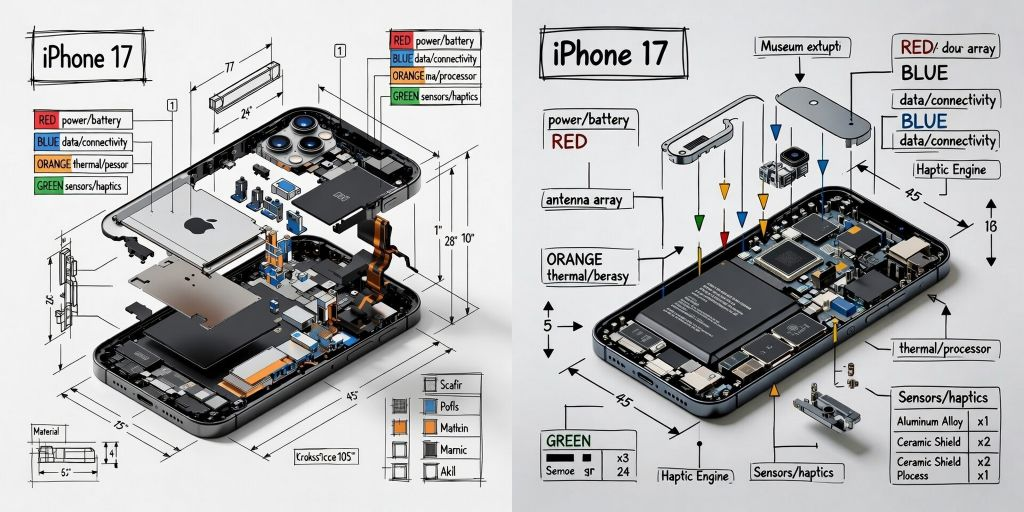
- iPhone 17
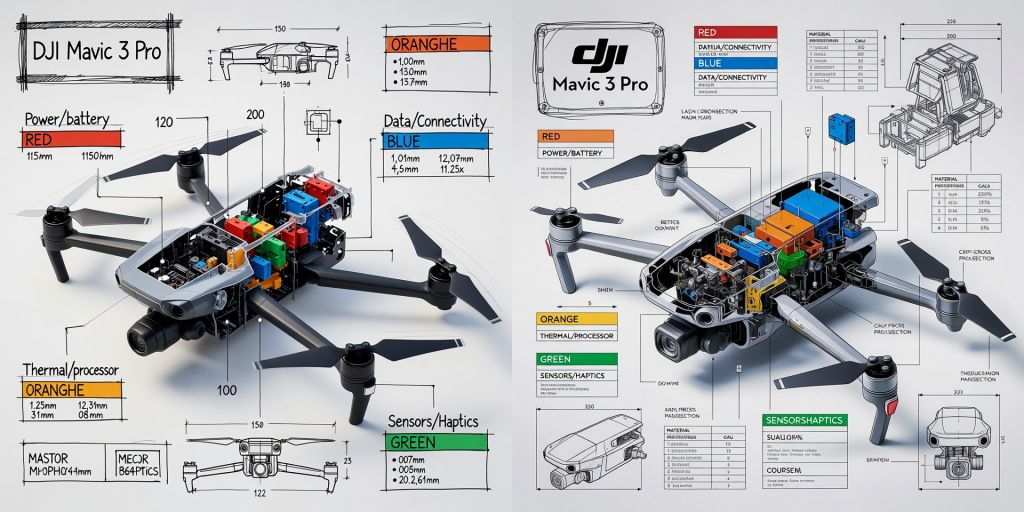
- DJI Mavic 3 Pro
Picture
1. iPhone 17
2. DJI Mavic 3 Pro
Use this prompt to generate your version? Share in the comments or on Twitter!
Explore more? View the Business & Productivity category.
I hope you found this technical infographic image generation AI prompt helpful.
Follow me @bigprompt for more.
Like/Repost if you can this prompt.
Internal link:
Fashion Lookbook Infographic Photography Prompt
Professional Portrait Restoration from Vintage Photos
McKinsey-Style Research Report Prompt For Structured Synthesis