
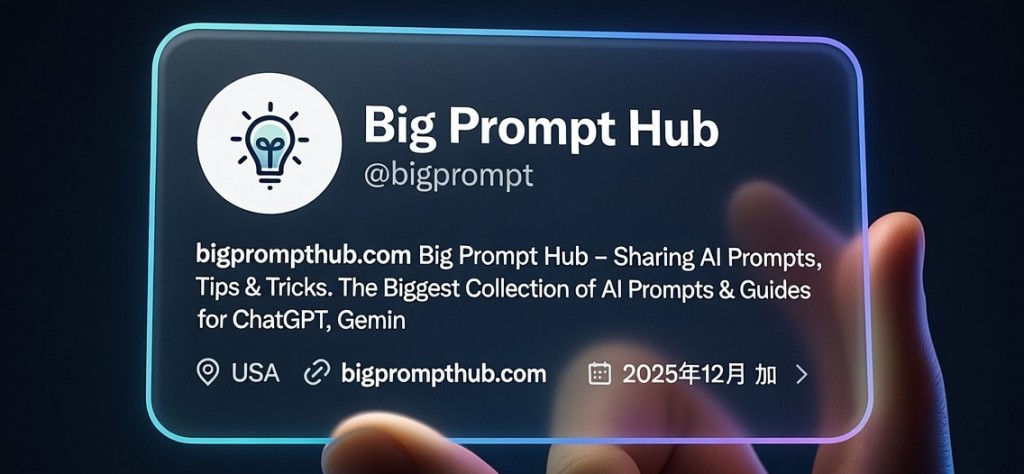
I’ve used this prompt repeatedly when I need clean, premium-looking 3D profile card visuals for presentations, portfolio pieces, or social media assets. It consistently delivers that high-end glass badge aesthetic with accurate profile data pulled from screenshots, or falls back to clean placeholders when none are provided. It’s become a go-to because the output feels polished and professional without extra post-processing.
X Profile Card 3D Render Prompt
Use with any text-to-image model that supports detailed prompts (Midjourney, Flux, Stable Diffusion, etc.). If you have a profile screenshot, upload it as reference—the model will extract the real data.
Create a hyper-realistic 3D render of a transparent X (formerly Twitter) profile card, designed like a futuristic glass ID badge gently held between two fingers.

The card is rectangular with softly rounded corners, made of crystal-clear glossy glass or acrylic material. It has subtle glowing neon edge lighting in a smooth cyan-to-deep-blue-to-purple gradient, evoking a modern, premium tech aesthetic.

If a profile screenshot or any reference image is uploaded:
- Extract and accurately display the user's real profile information from the uploaded image(s), including:
  • Circular profile picture (floating slightly above the glass surface with soft shadow and glow)
  • Display name (large, bold)
  • @username handle (smaller, below the name)
  • Full bio text
  • Location, website link, join date
  • Follower/Following counts and any other visible stats
- Use clean, modern minimal sans-serif typography in white or light gray for perfect readability on the transparent surface.

If no image is uploaded, use the following custom profile details (replace with your own):
- Profile picture: [describe or link your avatar, e.g., "a photo of a person wearing glasses" or use uploaded avatar image]
- Display name: Your Name Here
- @handle: @yourusername
- Bio: Your bio text here – keep it to 2-3 lines for best layout
- Location: City, Country
- Website: yourwebsite.com
- Joined: Month Year
- Followers/Following: X Following • Y Followers

Soft studio lighting with gentle highlights, realistic reflections and refractions through the glass material. Dark gradient background (deep navy to black) to make the neon edges and text glow vividly. Premium cinematic quality, ultra-sharp detail, photorealistic materials, no watermarks, no text artifacts.
How to Use
Copy the entire prompt block and paste directly into your image generator.
Upload a clear screenshot of the target X profile if you want real data extracted (most modern models handle this well).
For generic/mock versions, leave the placeholders or edit them before running. The prompt is written to be used whole.
When to Use
Best for creating premium profile visuals for personal branding, client decks, social media kits, or portfolio mockups. Works especially well when you need a futuristic/tech feel while keeping accurate profile information visible and readable.
Example
Picture
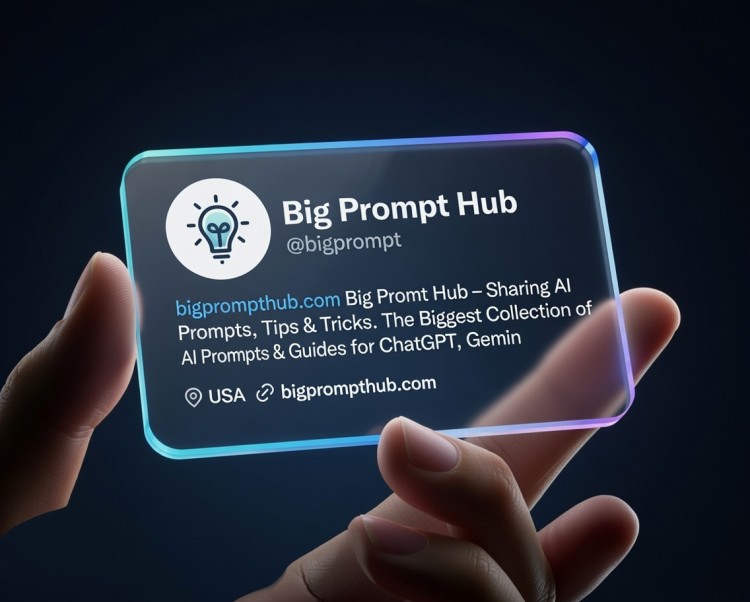
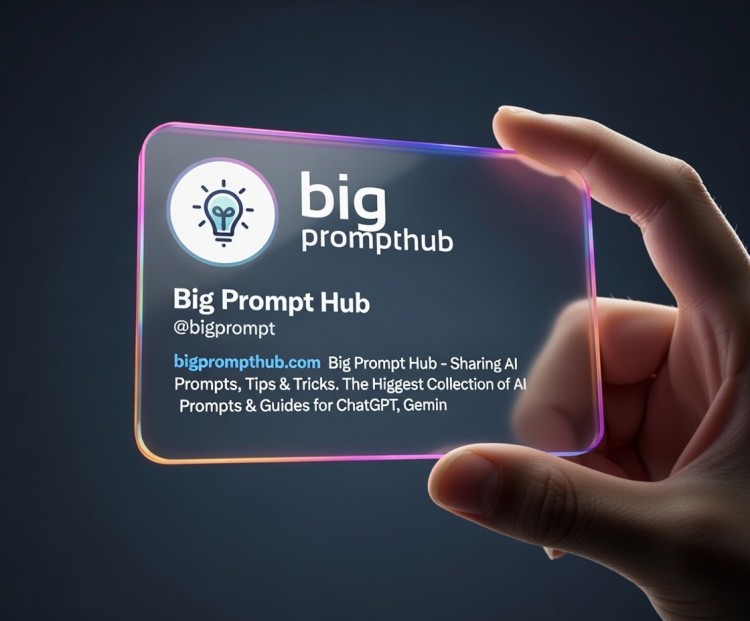
Use this prompt to generate your version? Share in the comments or on Twitter!
Explore more? View the Image & Design category or Nano Banana series.
I hope you’ve found this Gemini Nano Banana Pro AI Prompt helpful.
Follow me @bigprompt for more.
Like/Repost if you can this prompt.
Internal link:
Notion Style Avatar Prompt for Black and White Vector Portraits
Country Infographic Poster Prompt for AI Image Generation
Turkish Recipe Infographic Prompt for AI Image Generation
Write Google Ads Negative Keyword Lists in 30 Seconds with Gemini