
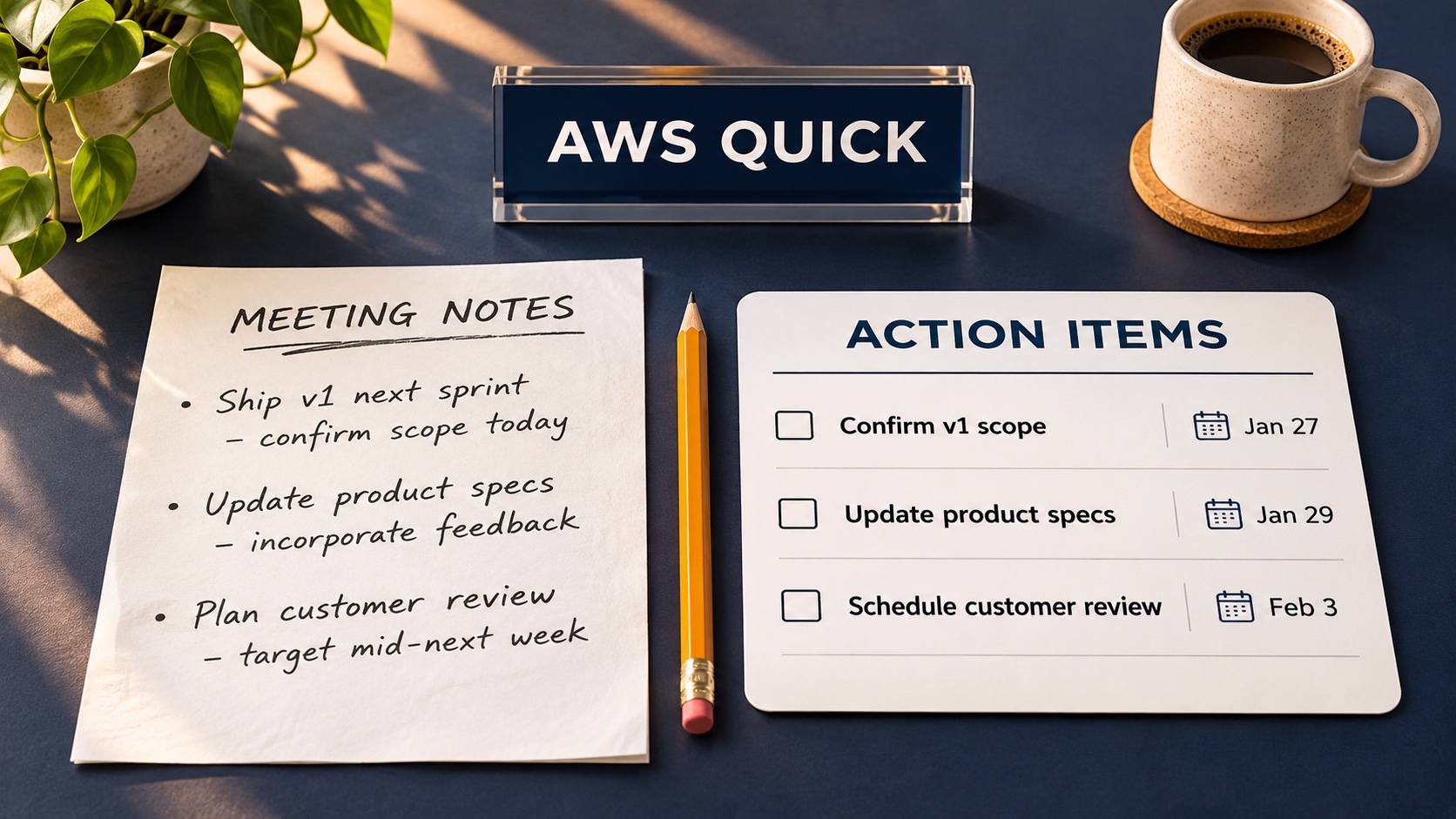
For project managers, an AWS Quick Flow for meeting notes turns a recurring review task into a reusable draft checklist. Build it with one text input and two sample meetings, then check that every task, owner, and due date comes from the notes. The example runs entirely in Quick with pasted text.
Workflow Overview
AWS Quick is an AI workspace for doing team work across apps and data. Flows are the reusable workflows inside it. AWS Quick Sight is its business intelligence capability. AWS renamed Amazon Quick on November 9, 2026, and announced updated Flows and the web experience on November 20. See the AWS naming announcement and the November release.
For this first Flow, use one required text input, an agent step that reads the notes, and one text output for review. The Flow should preserve the names and dates actually given in the notes. It should flag missing details and leave decisions or suggested tasks out of the confirmed action list.
AWS also provides a pre-built meeting summarizer for discussion topics, decisions, and action items. Build the narrower version below when your team needs a reviewable list of commitments with explicit owners and dates.
Setup / Working Method
Use an AWS Quick workspace with access to Flows and permission to create a draft. If Flows is missing, check the AWS prerequisites or ask your workspace administrator. Start with the fictional notes below.
Implementation Steps
Open Flows, choose Create Flow, and describe the workflow. AWS documents a natural-language generation option and a Run mode for testing. Before running the draft, review the generated inputs, steps, outputs, and requested capabilities. Open AWS’s Flow creation guide.
Create a flow named Meeting Notes to Action List.
Require one text input named Meeting notes.
Read only that input. Extract tasks explicitly agreed to in the notes.
Return a list with Action, Owner, and Due date for each task.
Copy owners and dates as written. Use Not specified for missing values.
Put unresolved suggestions in a separate Open questions section.
If there are no explicit tasks, say No confirmed action items.
Return the result as a draft for review. Do not send, post, schedule,
create tickets, or use external connectors.
Choose Generate Flow. Make sure the draft passes the meeting-notes input to the agent step and exposes the result as an output. Remove any step that would search external data or write to another app. If the builder splits the task into several steps, inspect what each step reads. Then switch to Run, paste the first sample into Meeting notes, and compare the result with the expected output below. Repeat with the second sample. See how Flow inputs, outputs, and steps work.
Workflow Use Cases
Use this pattern for recurring team meetings, project handoffs, or onboarding check-ins. For a customer call, keep commitments and unanswered questions separate. For a one-off meeting, try the same extraction in chat before investing in a reusable Flow.
Troubleshooting & Optimization
Test A: Priya will send the revised onboarding checklist by May 6, 2027. Martin will review the checklist by May 8, 2027. The team agreed to revisit vendor demos next month, but made no decision about a demo.
Expected: two confirmed actions with the stated owners and dates. Leave the demo discussion out of the confirmed list.
Test B: The team agreed to update the intake form. Nobody volunteered to own the change, and no due date was set. A reminder email was suggested but not approved.
Expected: one confirmed action, updating the intake form, with Not specified for owner and due date. The email belongs under open questions. These are acceptance criteria for the fictional examples, rather than recorded AWS Quick run results.
If a run invents a name or date, tighten the instruction to require explicit evidence in the notes, then rerun both inputs. If a suggested item appears as a commitment, add a sentence specifying what counts as an agreement. Review the draft against the notes before copying it into a team tool.
Common Mistakes
- Testing only meetings with complete records. Include the second example and check that missing fields stay blank or explicitly unspecified.
- Letting the generated draft act on other apps. Inspect each step and remove email, calendar, and task-tracker actions before testing.
FAQ
- Q: How do I run an AWS Quick Flow without connectors?
A: Use a text input and an output step. Paste the meeting notes and review the result in Quick before copying it to another app. - Q: When should I publish a Flow in AWS Quick?
A: Test it as a draft first. Publish when you need to share the Flow or use it in a routine, subject to your workspace’s approval settings.
Find more workplace workflows in Business & Productivity. Follow @bigprompt for new guides.
Related Workflows
If your notes are already saved on your computer, the ChatGPT Work Local Folder Guide: Access Local Files? covers working from a dedicated local folder.
Big Prompt Hub Review
Start with a Flow when your team repeats the same task and can state what a usable result looks like. Meeting notes make a good first test because you can quickly check every action against the input. Add sharing or connected-app actions after the text-only draft produces reliable results for notes with missing information and ambiguous commitments.
Leave a Reply
You must be logged in to post a comment.