
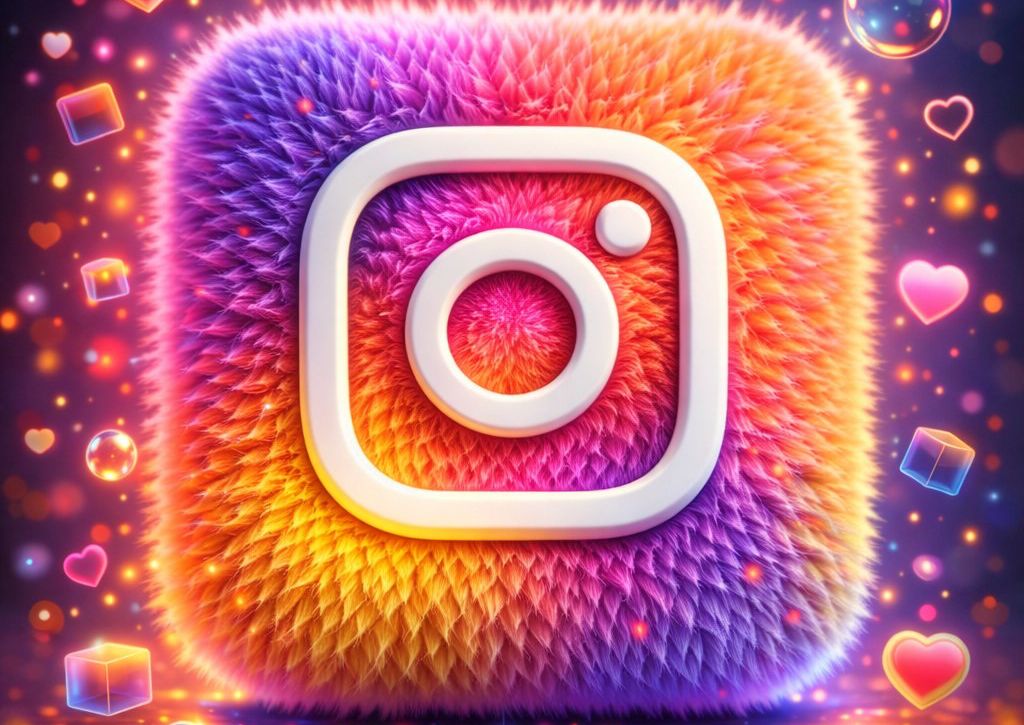
I’ve been redesigning app icons for client pitches and personal projects with the goal of making familiar logos feel fresh and tactile. This fluffy 3D app icon prompt emerged from the need to soften the digital edge. By prioritizing micro-fiber density over simple geometry, the icons acquire a physical, toy-like quality that users instinctively trust.
This methodology is especially effective when a brand needs to convey both approachability and premium quality—breaking the fourth wall of the screen with pure texture.
Fluffy 3D App Icon Prompt
Copy the entire JSON below and paste it into ChatGPT (GPT-4o or later recommended) or any tool that handles structured prompts well. Replace or add new modules for different app icons. Use a square aspect ratio for best icon composition.
{
  "master_prompt": {
    "global_settings": {
      "resolution": "8K",
      "aspect_ratio": "1:1",
      "render_style": "ultra-detailed 3D render",
      "lighting_quality": "high dynamic range, cinematic glow",
      "texture_detail": "extreme micro-detail visibility",
      "focus": "sharp foreground, softly blurred background"
    },
    "Style_Module": {
      "subject": "[WhatsApp/Snapchat] app icon",
      "base_shape": "rounded square with soft edges",
      "surface_texture": "dense, short, fluffy fur evenly covering entire icon",
      "primary_color": "[vivid bright green/saturated yellow]",
      "logo_symbol": {
        "type": "brand symbol",
        "color": "solid matte white",
        "finish": "smooth, slightly raised, soft shadows beneath",
        "position": "perfectly centered"
      }
    }
  }
}
How to Use
The core of this logic lies in the interplay between the global lighting and the micro-fur texture. To keep the render clean, I’ve locked the lighting_quality to act as a rim light, which is what actually gives the fur its “glow” and depth. When swapping subjects, keep the surface_texture description intact; it’s calibrated to ensure individual fibers don’t clump into a messy mass at high resolutions.
When to Use
This is my go-to for social media campaign assets or high-end portfolio cases. It works exceptionally well for lifestyle apps or tech brands that want to humanize their presence. It’s about creating a “stop-scroll” effect through tactile novelty that flat or glossy 3D styles simply can’t match.
Example
Picture


Use this prompt to generate your version? Share in the comments or on Twitter!
Explore more? View the Image & Design category or Nano Banana series.
I hope you’ve found this Gemini Nano Banana Pro AI Prompt helpful.
Follow me @bigprompt for more.
Like/Repost if you can this prompt.
Internal link:
6 Prompts to Learn Spanish Quickly with AI
Flat Geometry Illustration Prompt (Minimal Vector Style)
3D Miniature Diorama Prompt for Brand Advertising & Storytelling (Nestlé Edition)
Pixar Style 3D Avatar Prompt for Clean Cartoon Characters
Nano Banana Pro Craft Process Board Prompt for Documenting Handmade Objects
Labeled Food Photography Prompt: Clean Ingredient Breakdowns for Modern Food Visuals
8 Professional Prompt Frameworks – Make AI Your Secret Weapon
Miniature Brand Stores: Mastering 3D Isometric Dioramas
Cinematic Aerials: Your Guide to Airplane Window Photography
Master Luxury Hero Shots in Food Photography: Your Ultimate Guide to Stunning Visuals
Create Stunning Product Photos and Ingredient Showcases with Ingredient Orbit