
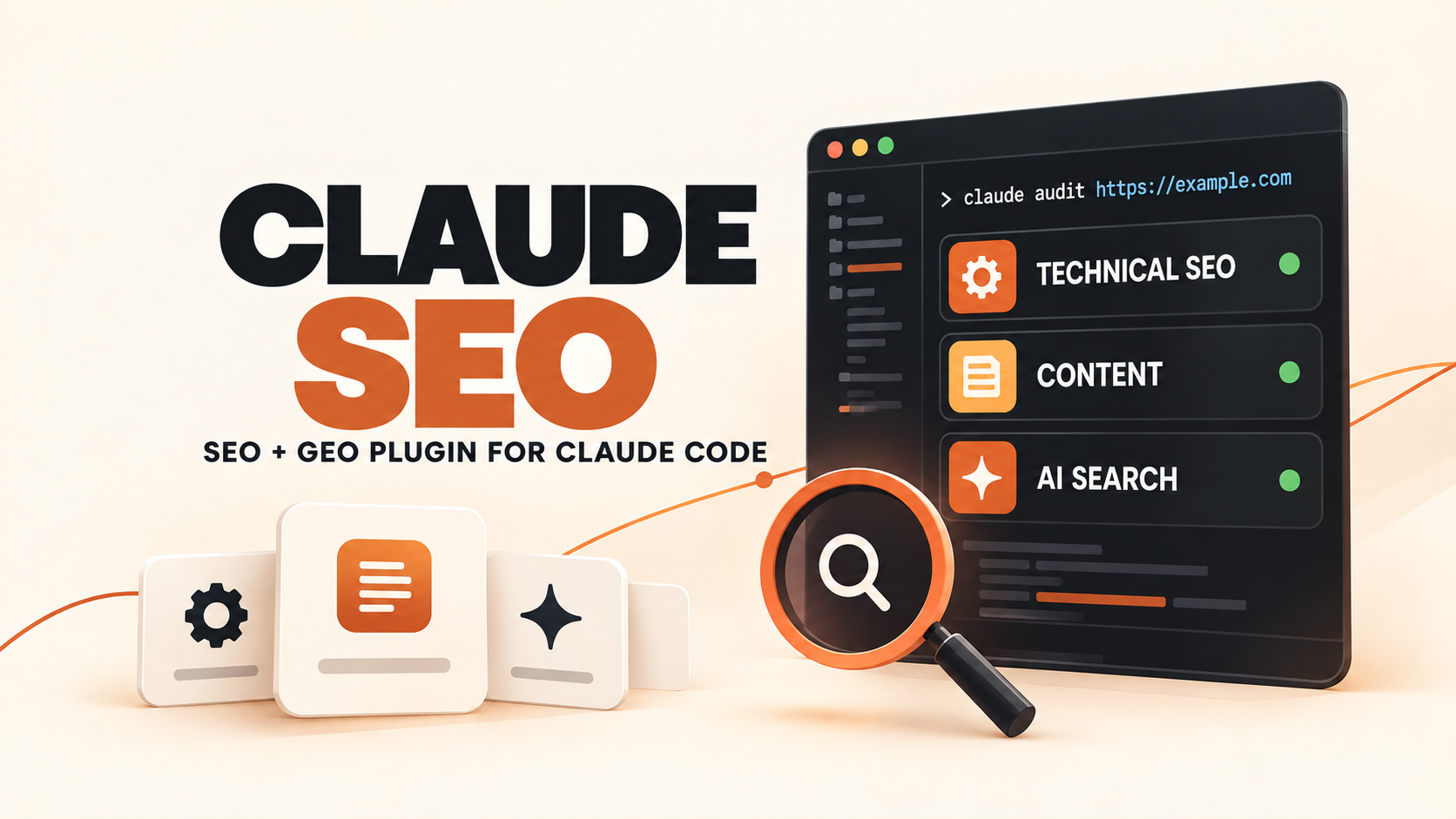
Claude SEO plugin gives SEO consultants, developers and growth teams a modular website-audit workspace inside Claude Code. A single /seo command routes work to 26 Skills, while 19 specialist Agents handle areas such as technical SEO, content quality, schema, performance, backlinks, GEO and agent readiness. The Skills define repeatable jobs; the Agents provide specialist workers; optional extensions add live data only when a team chooses to connect them.
Skills Overview
The Claude SEO repository is an MIT-licensed Claude Code plugin rather than one long prompt. Its documented inventory contains 26 Skill entry points and 19 specialist Agents. The main seo Skill acts as the router and orchestrator; narrower Skills cover audit, page review, content, schema, sitemaps, images, local SEO, ecommerce, international SEO, GEO, agent readiness and other focused jobs.
- 26 Skills: reusable instructions and commands, including the main orchestrator, specialist modules, the shared thinking framework and two extension mirrors.
- 19 Agents: specialist workers that can be delegated focused checks; a full audit can use up to 17 of them in parallel.
- 9 optional extensions: integrations for live or external data such as Ahrefs, DataForSEO, Firecrawl, Matomo, SE Ranking, Profound, Bing Webmaster and Unlighthouse, plus the Banana image workflow.
- Output: evidence files, scored findings, prioritized actions and optional PDF or spreadsheet reports—not automatic proof that rankings or AI citations will improve.
Where This Skill Collection Fits
Claude SEO sits between a lightweight page checklist and a commercial crawler with a live data warehouse. It can fetch an authorized site, render JavaScript when Chromium is available, coordinate specialist reviews and package the findings into a plan. It does not bring a proprietary index, rankings database or analytics history by default.
The core package is designed to work without paid API keys. That makes it useful for an initial audit, but it also means some conclusions are inferred from public pages or lab tests. Google Search Console, GA4, field Core Web Vitals, backlink indexes and AI share-of-voice data become available only when the corresponding credentials or extensions are configured.
Who It Helps
- SEO consultants: create a repeatable evidence bundle before writing recommendations or client reports.
- Developers and technical SEO teams: inspect crawlability, rendering, sitemaps, structured data, international targeting and performance from one command surface.
- Content and growth teams: review briefs, topical clusters, E-E-A-T signals, local pages, ecommerce pages and search-experience issues.
- GEO and AI-search practitioners: separate citation readiness and crawler access from broader agent-readiness checks such as Markdown, WebMCP and machine-readable site guidance.
Access / Install Links
The documented plugin path requires Claude Code 1.0.33 or newer and Python 3.11 through 3.14. Playwright Chromium is optional for JavaScript-heavy pages and screenshots. Plugin installation itself does not run a package manager; dependency setup happens later through the explicit /seo setup command.
- Repository: AgriciDaniel/claude-seo.
- Installation guide: review the fixed-commit installation instructions before running any script.
- Privacy boundary: audits fetch the URLs you provide, and content handled in Claude Code is sent to Anthropic like other Claude Code work. Reports remain local unless an optional service is connected.
- License: the repository is MIT licensed; connected APIs, models and data providers retain their own terms and costs.
Setup Steps
- Read the current release notes, installer and security policy. The repository includes verification tooling, but its install scripts do not yet verify a release manifest automatically.
- Add the repository as a Claude Code plugin marketplace and install the plugin.
- Run
/seo doctorfor a read-only environment check. - Run
/seo setuponly after reviewing what it will install. The managed runtime stays in plugin data rather than falling back to global Python packages. - Start with one public URL you own or are authorized to inspect and one narrow command. Add credentials or extensions only when a decision genuinely needs live data.
Example Inputs
01 · Install the plugin
Use when: Claude Code is your host and you want the repository’s complete Skill-and-Agent architecture.
/plugin marketplace add AgriciDaniel/claude-seo
/plugin install claude-seo@agricidaniel-claude-seo
Expected output: Claude Code registers the plugin. Dependencies are not provisioned until you explicitly run setup.
02 · Check one page
Use when: you have a specific page problem and do not need a whole-site audit.
/seo page https://www.bigprompthub.com/geoinflow-ai-crawler-analytics/Expected output: a focused page analysis that can be reviewed before broadening the scope.
03 · Run a coordinated audit
Use when: several disciplines need to be checked together and the extra Claude usage is justified.
/seo audit https://www.bigprompthub.com/Expected output: parallel specialist findings consolidated into scores, priorities and a report. Read the supporting evidence rather than acting on the headline score alone.
Skills Included
Audit and Planning
The seo orchestrator routes requests, while seo-audit, seo-page, seo-flow and seo-plan cover full audits, narrow page reviews, workflow integration and strategy planning. Use the smallest scope that answers the question; a full parallel audit consumes more of a Claude plan than a single-page check.
Technical, Schema and Measurement
seo-technical, seo-sitemap, seo-images, seo-hreflang, seo-schema, seo-google, seo-backlinks and seo-drift cover site foundations and change detection. The Google and backlink modules become more useful when authorized credentials supply field or index data.
Content, Markets and Search Experience
seo-content, seo-content-brief, seo-cluster, seo-competitor-pages, seo-local, seo-maps, seo-ecommerce, seo-programmatic and seo-sxo turn technical evidence into content or market decisions. They produce recommendations and artifacts; they do not establish business facts or authorize edits.
AI Search and Agent Readiness
seo-geo examines AI-search visibility signals such as extractable passages, crawler access and external entity presence. seo-agentic asks a different question: can software agents access and use the site through surfaces such as structured Markdown, WebMCP and machine-readable guidance? The repository reports llms.txt presence but does not assign it citation-ranking weight.
What the 19 Agents Add
The Agent files are not another set of installable Skills. They are specialist roles that the orchestrator can delegate to, each with its own context, model choice and instructions. That separation lets a broad audit gather technical, content, performance, schema, GEO and other evidence concurrently, then return it to one synthesis step.
Parallelism is useful only when the task is genuinely broad. It can increase model usage and produce overlapping findings. For one known question—such as hreflang, schema or a content brief—the matching narrow Skill is easier to review and cheaper to rerun.
Selection Logic
- Known page-level question: start with
/seo pageor the matching content, schema, image or hreflang Skill. - Several connected disciplines: use
/seo auditwhen technical, content, performance and AI-search evidence must be prioritized together. - Need observed account data: connect Google, Matomo or a relevant extension only after confirming the credential and privacy boundary.
- Need a deliverable: generate a PDF or spreadsheet after the findings have been checked, not as a substitute for reviewing them.
Optional Extensions
The nine extension folders are opt-in integrations, not hidden requirements for the core audit. They connect external data or generation services and ship their own installation boundaries. Use them when a named decision needs a named dataset: backlink evidence, crawl data, Matomo analytics, Bing submission, AI share of voice or another documented service.
- Keep core and extension claims separate: a public-page audit is not equivalent to Search Console, analytics or commercial backlink data.
- Bring your own credentials: API keys and OAuth tokens are stored locally, but the connected provider receives the URLs, domains or queries required by that request.
- Review cost and retention: some providers are paid and each has its own logging, privacy and data-retention policy.
Expected Outputs
- Evidence files: crawled page data, rendered-page observations and specialist findings saved in a local audit folder.
- Prioritized report: issues grouped by severity, impact and recommended next action.
- Focused artifacts: a content brief, schema review, sitemap analysis, GEO assessment or drift comparison when a narrow command is used.
- Optional deliverables: PDF or spreadsheet reports and live-data sections when the relevant runtime and credentials are present.
Use Cases
- Pre-redesign baseline: collect technical, content and search evidence before deciding what a new site must preserve or repair.
- Content refresh triage: identify which pages need a better brief, topical support or clearer answer structure.
- GEO and agent-readiness review: inspect access, extractability and machine-facing surfaces without treating them as ranking guarantees.
- Recurring audits: save a baseline, compare drift and attach live account data when the team has authorized credentials.
Limitations
- Do not audit arbitrary private targets: the tool accepts URLs and makes network requests. It includes SSRF and DNS-safety checks, but the security policy documents residual browser and proxy risks.
- Installation still needs review: release-signing and manifest tools exist, but the installer does not automatically verify a manifest. Prefer a pinned release, verify its signature and inspect changes before production use.
- Rendered pages can be noisy: content that appears only after scrolling, clicking or authentication may be missed or partially interpreted.
- Scores are decision support: a weighted audit score does not prove indexing, rankings, AI citations, traffic or revenue.
- Human review remains required: check business facts, recommendations, generated schema, robots directives and implementation plans before changing a live site.
Related Tools / Prompts
Claude Code supplies the agent host. The managed Python runtime and optional Chromium support fetching and rendered-page inspection. Google APIs, Matomo and the nine extension packages supply outside data only when configured. Each layer should be documented separately so a report distinguishes observed page evidence from authenticated account or vendor data.
Common Mistakes & Fixes
- Running the full audit for every question: start with
/seo page,/seo schema,/seo geoor another narrow command, then widen only when findings cross disciplines. - Treating all data as live: label which findings come from public pages, lab measurements, authenticated Google data or an optional provider.
- Installing every extension at once: connect only the services required for the current decision and document which domains or queries leave the machine.
- Acting on a score alone: read the underlying evidence, reproduce important failures and assign an owner before implementation.
FAQ
- Q: Is Claude SEO one Skill or a collection?
A: It is a Claude Code plugin containing a main orchestration Skill, specialist Skills, Agent definitions and optional extensions. Treating the whole repository as one prompt hides the parts that control scope and data access. - Q: Does it require paid SEO APIs?
A: No. The core package can inspect public pages without paid providers. Live analytics, commercial backlink data and some AI-visibility datasets require optional credentials or extensions. - Q: Can it fix a website automatically?
A: The documented workflow focuses on analysis, files and recommendations. Treat changes to code, content, schema, robots rules or production configuration as a separate reviewed task. - Q: What should I run first?
A: Run/seo doctor, then choose the narrowest command that answers the current question. Use/seo auditwhen several disciplines genuinely need one coordinated baseline.
Install or adapt this collection for an authorized SEO workflow? Share what you learn in the comments.
Explore more reusable capabilities in AI Skills or more discoverability resources in Marketing & Growth.
Follow @bigprompt for more source-backed Skill and workflow guides.
Related Big Prompt Hub Pages
Compare this all-in-one plugin with the narrower GEO SEO Claude Code Skill Collection. To choose among a wider field of reusable capabilities, use the Awesome SEO & GEO Skills selection map. For server-side evidence about AI crawlers, see GEOInflow AI Crawler Analytics.
If the work expands beyond SEO, review the production boundaries in Digital Human Koubo Skill or the migration checks in GPT Image 1 Migration.
Big Prompt Hub Review
Claude SEO is most useful as a routing and evidence system, not as a magic ranking command. Its strength is the separation between narrow Skills, specialist Agents and optional live-data extensions. Start small, record where each finding came from, and reserve the full parallel audit for decisions that actually need a cross-functional view.
Leave a Reply
You must be logged in to post a comment.