
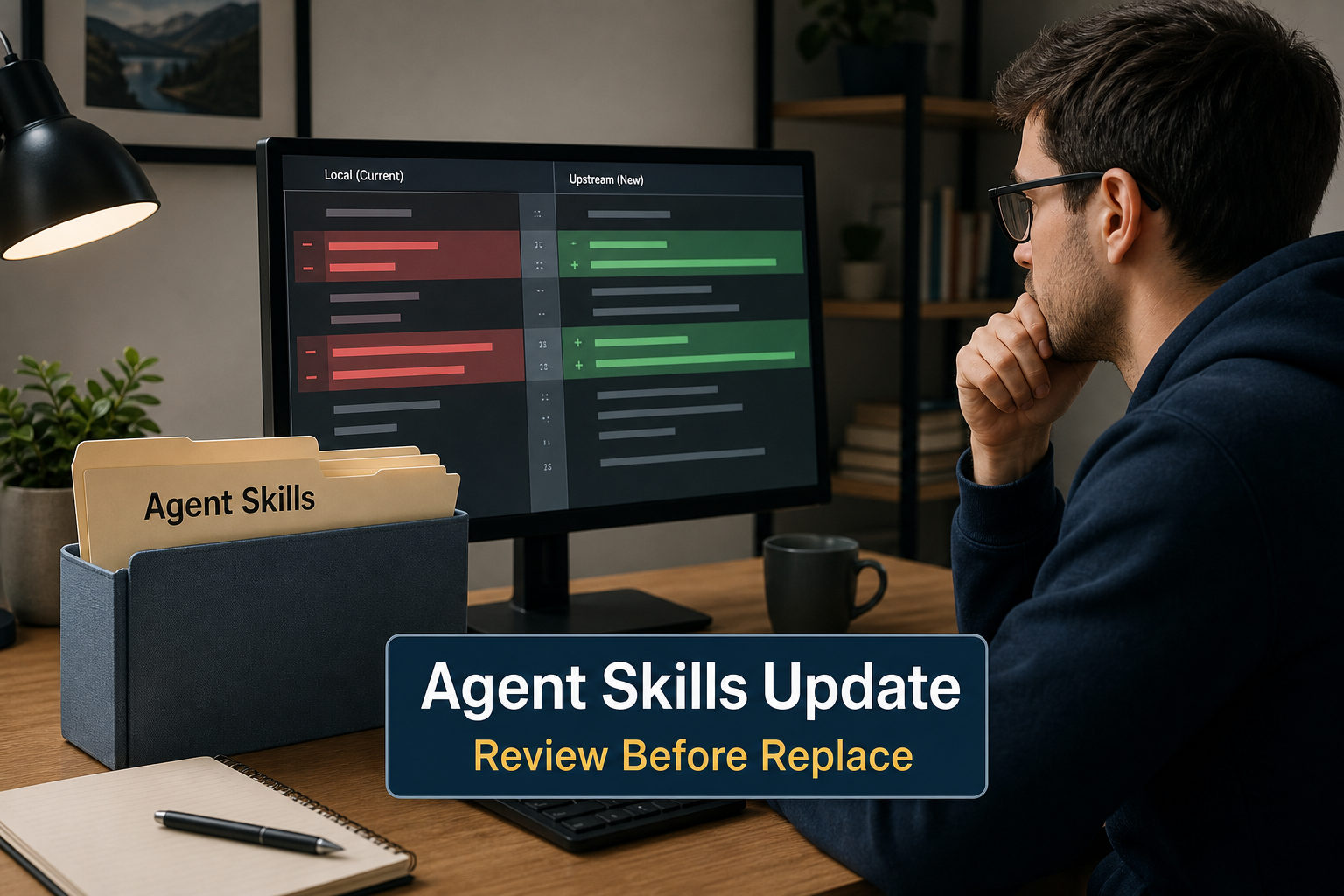
Developers maintaining installed packages need to update agent skills without treating an upstream revision as automatic approval. GitHub CLI documents a read-only check, pins, and an update path; this guide separates those mechanics from the human work of reviewing changed files.
Skill Summary
Use this lifecycle method after a skill is installed and before local files are replaced. Inspect a candidate revision when appropriate, check availability without changing files, then route a material change to a real evaluation step.
A read-only result is not a safety, approval, or compatibility result. GitHub’s public-preview announcement says third-party skills are installed at the user’s discretion and are not verified by GitHub.
Where This Skill Fits
This is a post-install maintenance route for an operator who already knows the local package. Use the Agent Skills installation guide for first placement, then use the Agent Skills evaluation workflow when a changed package needs substantive review.
Who It Helps
- Individual developers: keeping a reviewed skill current while noticing local edits.
- Engineering leads: deciding whether an upstream revision needs a review handoff.
- Workspace operators: separating update availability from replacement of local files.
Access / Install Links
- Preview reference: GitHub CLI gh skill preview manual.
- Update reference: GitHub CLI gh skill update manual.
- Boundary: GitHub’s public-preview announcement says it does not verify third-party skills.
Setup Steps
- Start with an installed skill: this is not a discovery or first-install tutorial.
- Check before changing files: use the documented read-only update check to see what is available.
- Respect pins: GitHub CLI documents that skills installed with
--pinare skipped until--unpinis used. - Review meaningful changes: additions such as scripts, dependencies, changed permission expectations, or an unfamiliar upstream source should go to evaluation before replacement.
Example Inputs
01 · Read-only update check
Use when: You want GitHub CLI to report available updates without changing local files.
gh skill update --dry-runExpected output: An availability report only; the documented flag does not change files.
Expected Outputs
- Update availability: GitHub CLI compares the local tree SHA recorded in SKILL.md frontmatter with remote repository state.
- Pin-aware behavior: a pinned skill is skipped until it is unpinned.
- A review decision: accept a small understood revision or route a material one to evaluation.
Use Cases
- Local customization exists: keep the dry-run separate from any replacement decision, because
--forcecan overwrite locally modified skill files. - A release adds executable material: use the result as a review trigger, then follow the evaluation workflow.
- A skill was installed manually: missing GitHub provenance metadata is an update boundary; the documented command can handle such cases differently or skip them in non-interactive or all-mode paths.
- A first install needs inspection:
gh skill previewcan render a file tree and SKILL.md without installation and can target a version, tag, branch, or commit SHA.
Limitations
A local-tree-SHA comparison is an update mechanism, not a universal lockfile, integrity guarantee, or safety certification. Pins and dry runs control update behavior; they do not replace review, tests, permissions, or a decision about whether the changed package belongs in the workspace.
Do not make --force the routine next step. GitHub CLI documents that it can re-download even when the tree SHA matches and can overwrite locally modified skill files, while leaving added extra files in place.
Preview has a narrow reported limitation. In GitHub CLI issue #13495, an exact SKILL.md path that install accepts can be rejected by preview discovery for one repository layout. Treat that as a path-specific report, not proof that preview is universally broken; inspect the repository directly when the mismatch occurs.
Common Mistakes
- Do not treat
--dry-runas approval. - Do not use
--forceto bypass local modifications. - Do not assume preview accepts every repository layout.
Related Tools / Prompts
For a package not yet adopted, start with Find Agent Skills Before You Install. If scanning is part of a broader review, use Agent Skills Security Scanners; this page does not compare or recommend scanners.
Update Agent Skills FAQ
- Q: What should I do before I update agent skills?
A: Run the documented read-only check first, then decide whether the change is understood or needs evaluation before local files are replaced. - Q: Does a pinned skill update automatically?
A: No. GitHub CLI documents that pinned skills are skipped until--unpinis used. - Q: Should I use –force to make an update work?
A: Not by default. It can overwrite locally modified files, so review both local edits and the upstream change first. - Q: Why can preview fail for a path that install accepts?
A: A public GitHub CLI issue reports this discovery mismatch for one layout. Inspect the repository directly if you encounter it. - Q: When should I choose a scanner-selection page?
A: When scanning is already part of the review and you need help selecting scope; it does not replace update review.
Install, adapt, or maintain a skill only after its current purpose and change boundary are clear.
Explore more reusable capabilities in AI Skills.
Follow @bigprompt for more skills, workflows, and prompt systems.
Continue the lifecycle:
Install an approved Agent Skill in the right platform location
Find a skill by task and inspect its source before adoption
Evaluate a changed skill package before accepting it
Choose a scanner scope when scanning is part of the review
Handle unused Agent Skills as a later cleanup decision
Big Prompt Hub Review
The value is a deliberately small decision boundary: inspect before first use, use a read-only check before changing files, and treat a meaningful upstream revision as a reason to review rather than an automatic update. It does not promise that pins, previews, or SHA comparisons establish safety or replace human acceptance.