
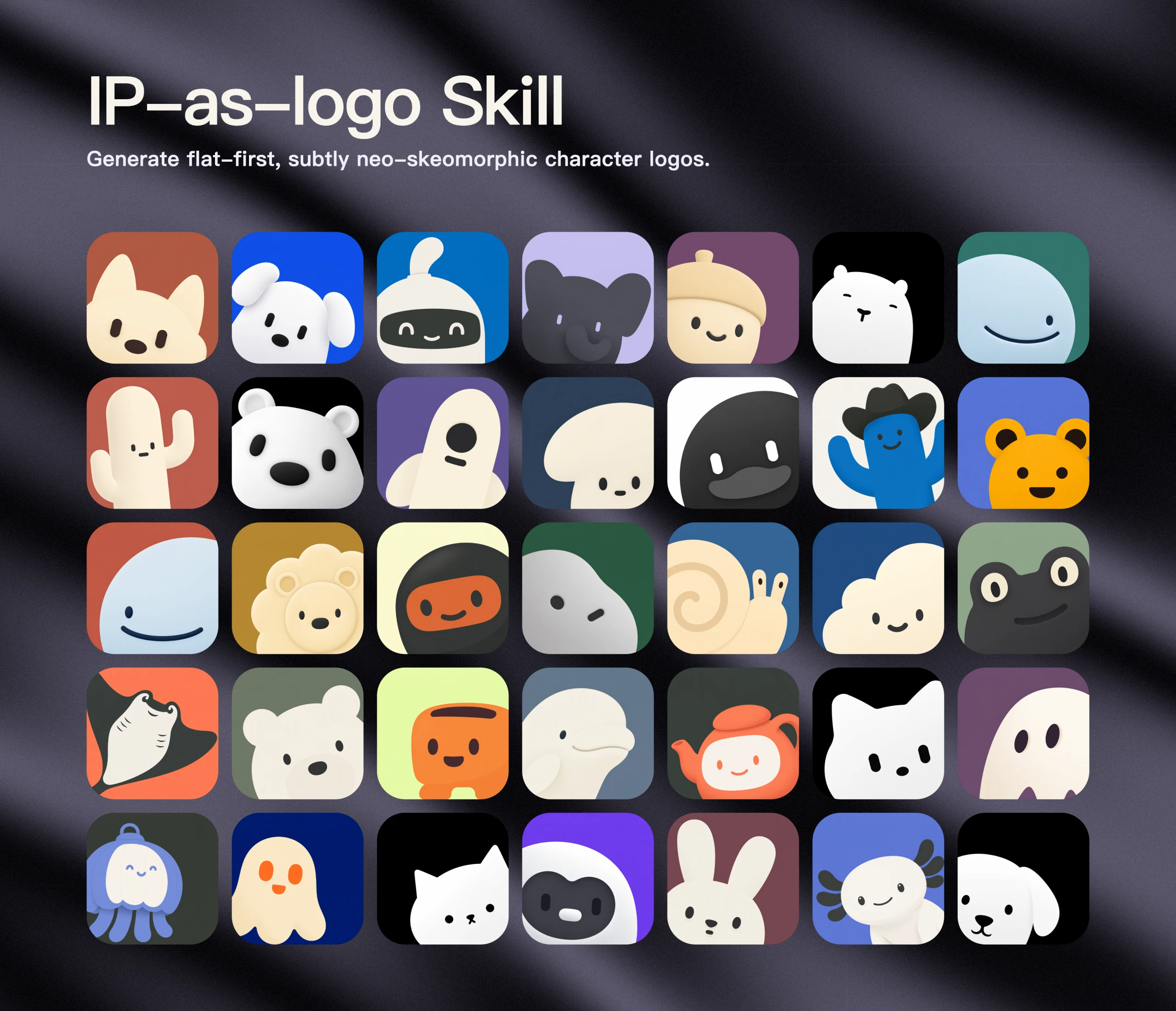
The IP as Logo skill helps designers and product teams produce six reviewable square mascot candidates from three concise directions. It keeps each image extremely simple, limits the palette, and tests lower-left and lower-right compositions without pretending that every image model will follow every constraint identically.
Skill Summary
ip-as-logo is an MIT-licensed Agent Skill for image-capable agents. It turns product context or a named subject into three proposed character directions, then defaults to six independently generated square candidates after approval.
The method favors one rounded silhouette assembled from roughly four to seven large shapes, exactly two character colors plus one background color, and a visually dominant figure emerging from a lower corner. It deliberately avoids contact sheets, automatic output filtering, silent repairs, and retries.
Where This Skill Fits
Use this skill during early mascot exploration, before a designer commits to a detailed identity system. It creates a bounded comparison set that makes silhouette, expression, corner placement, and secondary color organization easier to discuss.
It is not a complete branding system, trademark review, vector-delivery tool, or final quality assessment. The candidates still need human selection, rights review, refinement, and production artwork before commercial deployment.
Who It Helps
- Product teams: translate a product promise into several simple mascot metaphors.
- Brand designers: compare large-shape silhouettes before investing in detailed illustration.
- Founders: review a controlled six-candidate batch instead of an unstructured image dump.
- Agent users: need a reusable discovery and generation protocol for configured image tools.
Access / Install Links
- Official repository: s1dashu/ip-as-logo-skill.
- Fixed Skill instructions: SKILL.md at the reviewed commit.
- License: MIT License.
- Browsable library: ipaslogo.com.
Setup Steps
- Choose a compatible agent that can return generated images as assets; the repository lists Codex, Coze, Doubao, YouMind, Manus, Gemini Apps, and Replit Agent.
- Install the complete skill, including its root
SKILL.mdand supporting asset. - Provide the product purpose, audience, desired feeling, and any required subject or background palette.
- Review the three concise directions and approve all three, select one, or replace the proposed quantity and distribution.
- Review every returned candidate as a creative draw; request a separate refinement only after comparing the batch.
Example Inputs
01 · Install for the current project
Use when: The mascot workflow belongs to one project repository.
npx skills@latest add s1dashu/ip-as-logo-skillExpected output: The complete skill is installed for a supported agent selected by the user.
02 · Install for personal use
Use when: The same capability should be available across projects.
npx skills@latest add s1dashu/ip-as-logo-skill --globalExpected output: A personal installation available to supported agents across projects.
After installation, a practical request is: “Create a very simple, cute rounded ghost IP character on a solid deep navy background.” If the product context is missing, the skill asks one consolidated background round before proposing directions.
Expected Outputs
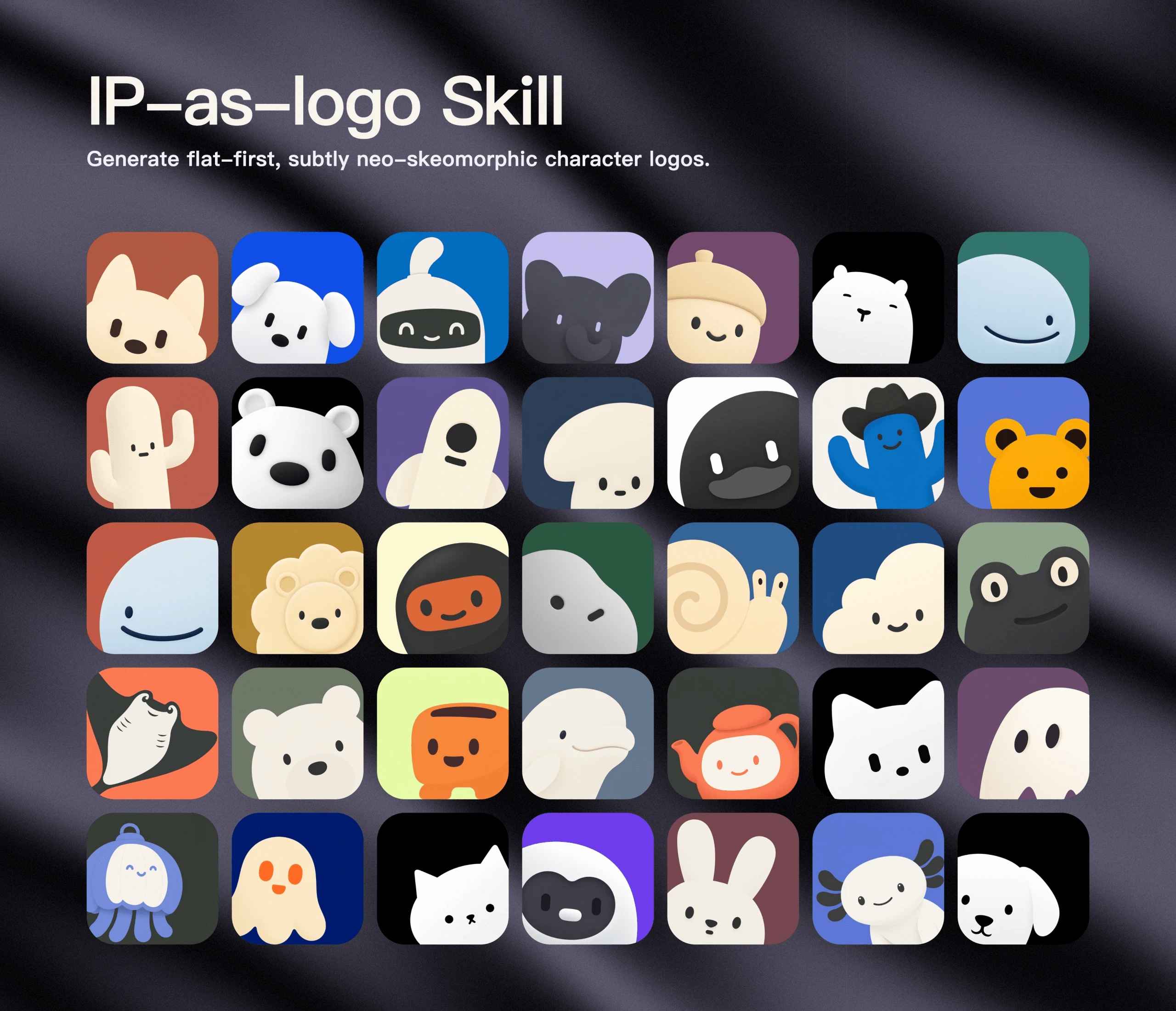
The default accepted batch contains six separate full-resolution square assets. When all three directions are accepted, the labels are A1, A2, B1, B2, C1, and C2, with each direction tested once from the lower-left and once from the lower-right.
The delivery record should preserve every label, direction rationale, assigned corner, saved path, prompt and color mapping, and dimensions. The skill returns every generated image rather than ranking, rejecting, or silently retrying outputs.
Use Cases
- SaaS onboarding mascot: connect a familiar animal silhouette to friendliness, speed, or guidance.
- Consumer app character: compare corner emergence and expressions for a compact square surface.
- Brand workshop: use six controlled candidates to discuss which product promise feels most credible.
- Existing subject refinement: hold the named subject constant while testing silhouette treatment and secondary color regions.
Limitations
- The repository contains instructions and a showcase asset, but no image-generation scripts or model dependencies.
- A compatible image generator is required; the skill must not pretend to create assets when none is available.
- Image models are stochastic and may interpret color, simplicity, composition, shading, or dimensionality differently.
- The one-pass policy preserves variation but does not provide an automated compliance or quality gate.
Common Mistakes & Fixes
- Starting with arbitrary animals: connect each open-ended subject to a distinct product attribute.
- Adding too many details: return to one dominant silhouette, one defining feature, and broad color masses.
- Centering every character: preserve the assigned lower-left or lower-right emergence for a useful comparison.
- Auto-retrying imperfect results: deliver the full draw, then let the user explicitly request another candidate or refinement.
Related Tools / Prompts
Use the source-first Agent Skill discovery guide before installing unfamiliar packages. For adjacent visual methods, the Hand-Drawn Styles Skill organizes reusable illustration recipes, while the Manga Page Prompt handles reference-led sequential character storytelling rather than mascot simplification.
FAQ
- Q: What does the IP as Logo skill generate?
A: It guides an image-capable agent through three mascot directions and a default batch of six separate square character candidates. - Q: Does it create a finished commercial logo?
A: No. It creates early character-image candidates that still need human selection, rights review, refinement, and production artwork. - Q: Why are candidates placed in lower corners?
A: The alternating corner system tests a dominant emergence composition while keeping the comparison balanced across the default batch. - Q: Will the skill automatically reject a weak image?
A: No. It preserves every one-pass result and waits for the user to request another draw or refinement.
Install or adapt this skill for a mascot exploration workflow? Share the direction and review criteria you used in the comments.
Explore more reusable capabilities in AI Skills.
Follow @bigprompt for more skills, workflows, and prompt systems.
Continue exploring:
Find Agent Skills by task and inspect their source before installation
Choose among nineteen hand-drawn style recipes for illustration work
Decide when a skill package needs static review or sandbox verification
Build a reference-locked manga page with cinematic panel storytelling
Lock anime characters before planning an animated sword-fight sequence
Big Prompt Hub Review
The useful part of this skill is its disciplined comparison structure: three directions, paired corner variants, separate assets, and no silent filtering. That makes early mascot conversations easier to audit. Its boundary is equally clear: it is an exploration protocol, not a finished identity system or automated quality gate.