
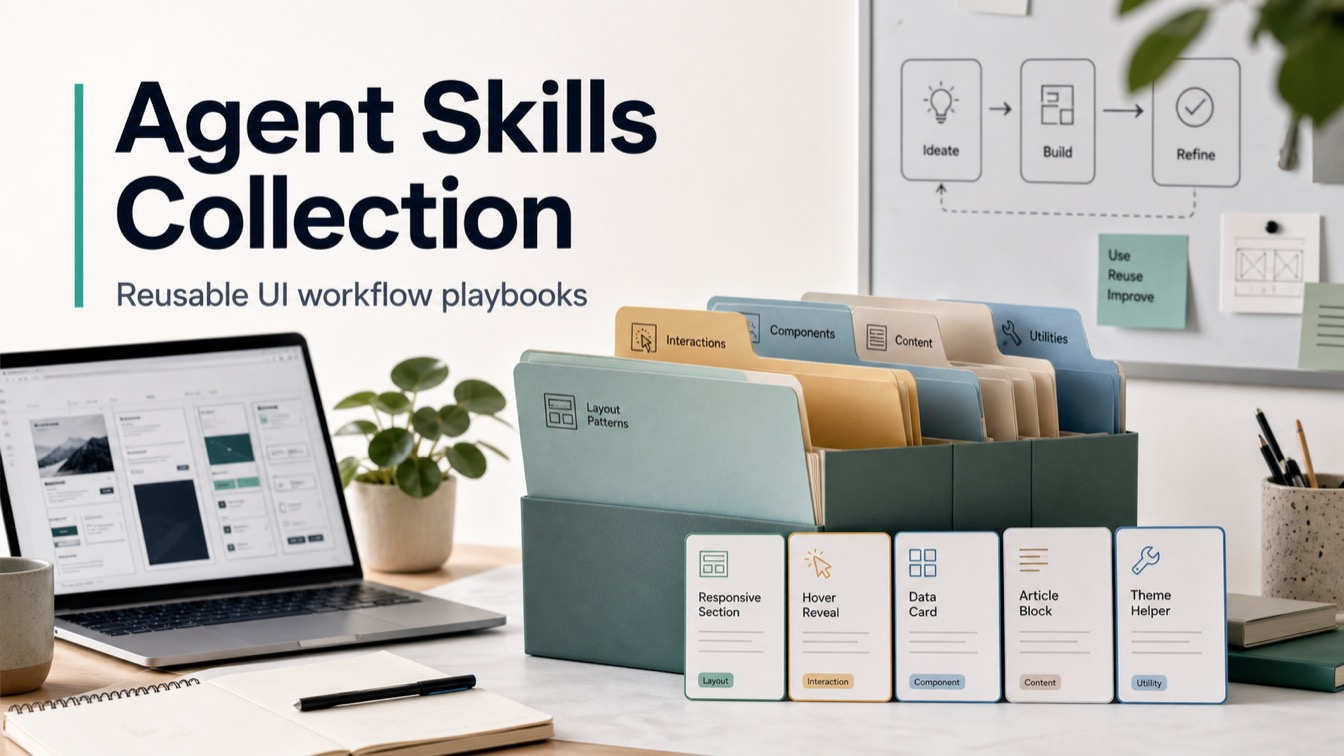
Agent skills help designers and builders turn repeatable AI-agent work into versioned operating procedures instead of one-off chat sessions. MengTo/Skills is a GitHub collection of portable SKILL.md folders for Codex, Claude, Cursor, UI prompting, media sourcing, frontend systems, motion design, WebGL, and reusable web design workflows.
Skills Overview

The collection works like a practical skill library for AI coding agents. Instead of asking an assistant to improvise a landing-page review, video-to-prompt conversion, screenshot capture, Three.js scene, GSAP animation, or Tailwind component from memory, the user can point the agent at a narrower skill folder and make it follow a reusable workflow.
Where This Skill Collection Fits
This page belongs in Big Prompt Hub’s AI Skills column because the repository is about reusable capabilities, not a single software recommendation. It helps readers understand how folder-based skills can support design critique, frontend implementation, prompt extraction, UI inspiration capture, web animation, and build-quality checks across Codex, Claude Code, Cursor, and adjacent agent stacks.
The inspected repository commit exposes 95 SKILL.md files across four categories: 18 Codex workflows, 2 media skills, 13 UI skills, and 62 web-design skills. The README also describes the collection as a curated set for designers and builders; the live tree count is higher than the README’s snapshot count, so this review uses the cloned tree as the working inventory.
Who It Helps
- Product designers: turn visual taste, UI critique, references, and layout decisions into repeatable agent instructions.
- Frontend builders: reuse implementation playbooks for landing pages, Tailwind, GSAP, Three.js, WebGL, scroll effects, and responsive UI details.
- Codex and Claude Code users: load a narrow
SKILL.mdbefore acting instead of relying on broad project memory. - Creative operators: capture UI inspiration, convert video or HTML references into prompts, and maintain a reusable workflow library.
Access / Install Links
- GitHub repository: MengTo/Skills
- Repository README: README.md
- Codex flagship example: Video to Super Prompt
- Web design index: Agent Web Design Skills
- License: MIT License
Do not treat this as an automatic local install. The practical access pattern is to clone or open the repository, choose the narrowest matching skill folder, and load that SKILL.md into the agent context. Codex users can read the relevant skill before acting; Claude Code users can reference the repo guide or copy a skill into their setup; Cursor users can point rules or chat context at the specific folder.
Skills Included
Codex Workflow Skills
- Capability / use case: Repeatable agent workflows such as video-to-superprompt, HTML-to-interaction prompts, full-page capture, performance profiling, Playwright, screenshots, PDF handling, and support-verification gates.
- Install or access link: Browse agent-skills/codex.
- Required inputs: the reference artifact, target output, local file or URL when applicable, and any repo-specific agent instructions.
- Expected outputs: structured prompts, screenshots, evidence bundles, QA notes, diagnostics, or draft artifacts.
- Quality check: the skill should name the evidence it inspected and avoid inventing inaccessible source details.
UI Prompting and Design Taste Skills
- Capability / use case: Convert fuzzy UI requests into design-first specs with goal, format, layout, type, color, imagery, copy, and constraints.
- Install or access link: Start with design-first-ui-prompting or browse agent-skills/ui.
- Required inputs: product goal, target user, screen or asset format, brand direction, copy, and visual constraints.
- Expected outputs: UI generation specs, visual guardrails, iteration rules, typography direction, and review criteria.
- Quality check: the result should read like a design system brief, not a vague aesthetic request.
Web Design, Motion, and 3D Skills
- Capability / use case: Build landing pages, pricing pages, animation systems, GSAP sequences, Three.js scenes, WebGL backgrounds, Tailwind layouts, CSS masks, progressive blur, globes, and style-specific UI systems.
- Install or access link: Browse agent-skills/web-design.
- Required inputs: target page type, reference style, interaction goals, framework constraints, asset availability, and performance budget.
- Expected outputs: implementation plans, reusable code patterns, animation recipes, responsive layout rules, and cleanup checks.
- Quality check: the skill should include performance, responsive behavior, accessibility, and cleanup guidance when the technique can affect production quality.
Media and Asset Sourcing Skills
- Capability / use case: Choose visual assets for design and marketing work through Aura Assets or Unsplash-oriented selection patterns.
- Install or access link: Browse agent-skills/media.
- Required inputs: use case, desired crop, mood, platform, layout ratio, and brand constraints.
- Expected outputs: asset choices, crop guidance, fallback options, and visual-fit notes.
- Quality check: the selected image should serve the page or campaign goal, not just look attractive in isolation.
Selection Logic
Choose by task stage. If the input is a video or live reference, start with a capture or video-to-superprompt skill. If the goal is a new interface, use design-first UI prompting or a landing-page skill. If the blocker is implementation, move to Tailwind, GSAP, Three.js, WebGL, or CSS detail skills. If the blocker is proof, QA, or repeatability, use the Codex workflow skills that gather evidence and verify outputs.
For a reference recording that needs a build handoff, use video-to-superprompt to turn motion evidence into a rebuild-ready prompt.
Setup Steps
- Clone or open the repo: use the GitHub repository as the source of truth for the latest folders and files.
- Pick one narrow folder: avoid loading the whole collection when one
SKILL.mdmatches the task. - Read the skill before acting: let the agent absorb triggers, workflow, pitfalls, recipes, and acceptance checks.
- Provide project context separately: repo-specific rules, brand constraints, credentials, and private material should stay in local instructions, not inside a reusable public skill.
- Run a small first pass: test the skill on one section, one reference, one component, or one artifact before scaling it into a full workflow.
Example Inputs
- Video-to-superprompt: a local MP4, live URL, or uploaded UI motion reference plus the target builder or output format.
- Landing page skill: offer, audience, conversion goal, proof assets, objections, brand tone, and mobile priority.
- Three.js or GSAP skill: target interaction, framework, page surface, asset list, performance constraints, and cleanup expectations.
- Design-first UI prompting: goal, format, layout hierarchy, type direction, color system, copy, constraints, and negative prompt rules.
Expected Outputs
- Prompt assets: paste-ready prompts, superprompts, interaction prompts, or prompt packs backed by inspected references.
- Implementation plans: component structure, animation recipes, responsive rules, WebGL setup, cleanup steps, and QA checks.
- Evidence bundles: screenshots, stitched captures, frames, videos, manifests, or verification notes when the workflow requires proof.
- Decision support: a narrower recommendation about which skill to use next, when to stop adding tools, and what output needs review.
Use Cases
- Reference-to-build workflows: convert a landing-page video, animation, or HTML page into a detailed build prompt.
- Frontend implementation support: give an agent a known playbook for Tailwind, GSAP, Three.js, WebGL, or CSS treatment work.
- Design system prompting: standardize how teams describe layout, typography, hierarchy, color, imagery, and constraints.
- Agent workflow libraries: turn repeated tasks into versioned folders that can travel between Codex, Claude, Cursor, and other agents.
Common Mistakes & Fixes
- Loading too much context: choose one matching
SKILL.mdinstead of handing the agent the whole repository. - Skipping source checks: verify the current tree before quoting skill counts, because README snapshots can drift.
- Mixing private rules into public skills: keep credentials, client details, and project-only assumptions in local instructions.
Limitations
- Inventory can change: the repository README and live tree may drift, so count
SKILL.mdfiles from the current commit before citing totals. - Not every skill is production-ready: some folders are draft-like or narrow, so inspect the actual
SKILL.mdbefore relying on it. - Portable does not mean project-aware: the skills still need local repo instructions, user goals, source files, and brand constraints.
- Agent support differs: Codex, Claude Code, Cursor, and browser-capable agents may load files, tools, screenshots, and local context differently.
Related Tools / Prompts
Use this collection alongside Big Prompt Hub pages that cover frontend AI skills, visual prompt systems, design-to-code workflows, and reusable social-card production. The repo is strongest when it becomes the operating layer around those assets: a skill tells the agent what to inspect, what to ask, what defaults to apply, and what mistakes to avoid.
FAQ
- Q: What are agent skills?
A: They are reusable instruction folders that tell an AI agent when to use a capability, what steps to follow, what inputs it needs, and how to check the output. - Q: Is MengTo/Skills only for Codex?
A: No. The README names Codex, Claude, Cursor, Aura Build, Lovable, and other stacks. Codex has several workflow-focused folders, but the collection is intentionally plain Markdown and portable. - Q: Should I install the whole repository?
A: Usually no. Start by opening or copying the narrowest matching skill. Loading the entire collection can add noise when one folder already covers the task. - Q: Can teams modify these skills?
A: The repository uses the MIT License, so teams can adapt the files, but they should keep private client data, secrets, credentials, and project-specific assumptions outside public reusable skills.
Install or adapt this skill for your workflow? Share what you build in the comments.
Explore more? View the AI Skills or AI Tools category.
I hope this agent skills skill guide helps you choose, install, and test the right reusable capability.
Follow @bigprompt for more installable skills, workflows, and prompt systems.
Related Big Prompt Hub pages:
Beauty Product Ad Prompt That Preserves the Package
Matchday Football Poster Prompts Built Around Match Atmosphere
Modern House Miniature Infographic Prompt for Blueprint Panels
3D Cartoon Sticker Pack Prompt for Expressive Character Sheets
Guizang Social Card Skill:小红书图文、公众号封面与 Live Photo 卡片技能
Big Prompt Hub Review
MengTo/Skills is valuable because it treats prompts, capture routines, design taste, and frontend implementation habits as files that agents can load and reuse. The strongest use case is not installing everything; it is selecting one precise skill for one task, then adding local context and checking the result. The main caution is source drift: verify the current folder count, read the actual SKILL.md, and keep project secrets outside the public skill library.