
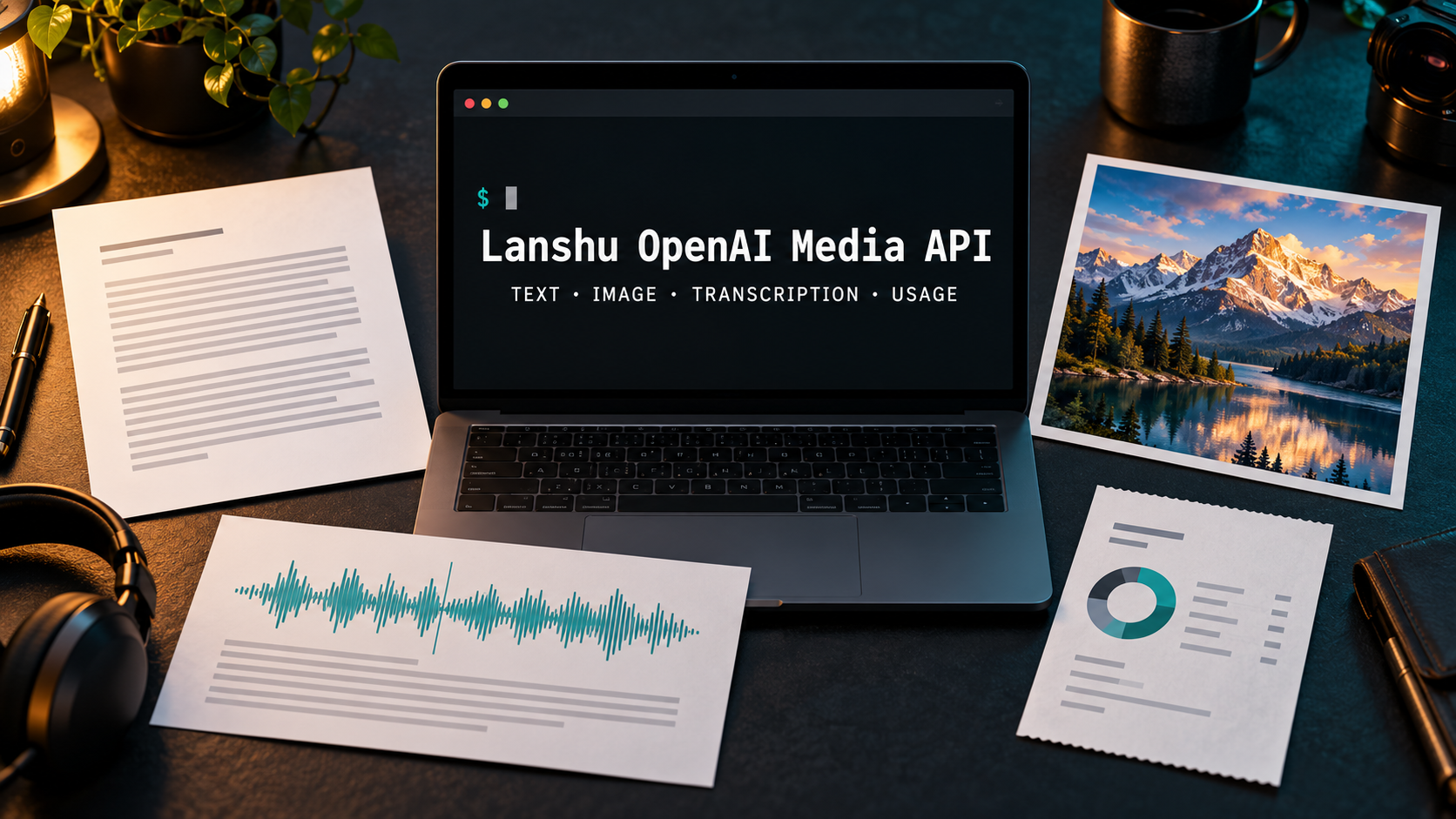
The OpenAI Media API Skill gives agent builders and automation teams one inspectable Python command line for text generation, image generation, file transcription and usage evidence. Lanshu packages those jobs as a portable Skill, saves outputs beside structured metadata, and keeps paid requests from being silently retried or redirected to another model.
Skill Summary
Lanshu OpenAI Media API is an MIT-licensed agent Skill and Python CLI. It can run directly from the repository, install as the lanshu-openai-media-api command, or build into a standalone Skill folder and ZIP archive for a compatible agent host.
- Text: send a single-turn Responses API request with instructions, reasoning effort and an output-token limit.
- Images: create PNG, JPEG or WebP files with explicit model, size, quality and quantity controls.
- Transcription: turn a completed audio or video file into text with language and terminology hints.
- Costs: read daily organization cost records using a separately authorized admin credential.
- Evidence: keep request IDs, returned usage, response status, elapsed time and output paths in adjacent metadata files.
Where This Skill Fits
This Skill fits when an agent needs repeatable file-producing API actions rather than a general chat interface. A workflow can ask for a local text artifact, an image, a transcript or a billing export and then inspect the resulting JSON status before moving to the next step.
It is a third-party wrapper, not OpenAI’s official CLI. The official OpenAI CLI covers a broader API surface and generated command tree. Lanshu is narrower: it supplies opinionated media commands, output-file checks, metadata sidecars, Skill packaging and conservative retry behavior.
Who It Helps
- Agent developers: give an agent a small, auditable command surface instead of writing a new API client for each media task.
- Content automation teams: save generated assets and the request evidence needed to diagnose incomplete, empty or refused results.
- Multilingual media teams: pass several expected language codes and domain terms to a file transcription job.
- Operations teams: query daily organization cost buckets without confusing request usage with a per-request invoice.
Access / Install Links
Python 3.9 or newer is required. The runtime uses the standard library; curl is optional as the preferred HTTP transport, and ffprobe is optional for reading durations beyond WAV. Generation and transcription need OPENAI_API_KEY. Cost queries need OPENAI_ADMIN_KEY or its documented alias.
- Run from source: use
python3 scripts/openai_media.pyfrom the cloned repository without installing a package. - Install the console command: create a virtual environment and run
python -m pip install .. - Build the portable Skill: run
python3 tools/build_skill.py --output-dir dist, then review the generated manifest before placing the folder in an agent’s Skill directory.
Setup Steps
- Inspect the locked source: review
SKILL.md, the Python script and the credential behavior before letting an agent invoke it. - Choose the execution path: run the script in place, install the console entry point, or build the portable Skill package.
- Configure credentials locally: keep generation and admin credentials in the environment or an existing literal-value file; never paste them into a prompt or repository.
- Start with a dry run: confirm the model, prompt, output path and options without reading credentials or sending a paid request.
- Check both outputs: inspect the requested artifact and its
.metadata.jsonsidecar before another workflow stage consumes them.
Example Inputs
01 · Inspect the curated model catalog
Use when: you need to see the Skill’s current text, image and transcription choices without credentials.
python3 scripts/openai_media.py modelsExpected output: JSON describing the documented models and task roles. Treat it as the repository’s curated catalog and compare current availability with official OpenAI model documentation.
02 · Preview an image request
Use when: you want to validate an image brief and output path before any paid request.
python3 scripts/openai_media.py image \
  --prompt-file [prompt file] \
  --out [output path] \
  --dry-run
Expected output: a JSON request preview with no credential read, network call or generated file.
03 · Transcribe a multilingual recording
Use when: a completed file may contain more than one expected language and domain terms.
python3 scripts/openai_media.py transcribe \
  --input [recording path] \
  --languages [language code] \
  --keyword [domain term] \
  --out [transcript path]
Expected output: a UTF-8 transcript plus metadata containing response details and an explicit empty-transcript flag when needed. Current OpenAI guidance confirms that gpt-transcribe accepts language and keyword hints for file transcription.
04 · Query a daily cost bucket
Use when: an authorized organization operator needs a scoped daily cost export.
python3 scripts/openai_media.py costs \
  --date [date] \
  --timezone [timezone] \
  --project-id [project ID] \
  --key-name [key name] \
  --out [cost report path]
Expected output: daily UTC cost records and filtering metadata. The result is an aggregate billing record, not proof of the price of one request.
Expected Outputs
- Text job: a UTF-8
.txtfile and metadata with response ID, returned model, status and usage. - Image job: one or more decoded image files plus metadata that excludes base64 payloads and credentials.
- Transcription job: transcript text and response metadata, with empty output represented explicitly rather than treated as success.
- Cost query: a JSON export of returned daily buckets, scope filters and date-window details.
The repository also makes failure state part of the output. Incomplete, refused or empty text results keep their artifacts and usage but return ok: false. Existing output files stop a paid request before it begins, and POST requests are not automatically retried.
Use Cases
- Asset pipelines: generate an image, store its request evidence and hand the file path to a later publishing step.
- Editorial automation: produce a text artifact with a fixed model and token budget, then stop when the response is incomplete or refused.
- Recording workflows: transcribe a multilingual interview or product demo with relevant terminology hints.
- Usage audits: preserve request usage beside outputs and compare it separately with authorized daily cost records.
Troubleshooting & Optimization
- A request would overwrite an artifact: choose a fresh output filename. The CLI stops before credentials or a paid request when the output or sidecar already exists.
- Text returns incomplete or empty: inspect
response_status,incomplete_details, refusals and usage before deciding whether a new authorized call is justified. - Transcription misses a name: add only relevant language and keyword hints, then test with representative audio instead of forcing terms that were not spoken.
- Cost rows look empty: verify the admin scope, project and key filters, UTC bucket boundaries and returned date window; an empty result does not prove that a request was free.
Limitations
- It is not a full SDK: the text command is single-turn and does not implement streaming, tool calls or conversation-state continuation.
- It is not a live microphone client: the transcription command handles completed files, not realtime audio sessions.
- Model access can vary: a model listed in the curated catalog may still be unavailable to a particular API project.
- Usage is not cost: token or media usage returned with a request is not the same object as organization billing data.
- Admin scope is separate: cost queries require an appropriately scoped organization credential and should not reuse an ordinary media key by assumption.
- Live calls were not part of this review: Big Prompt Hub ran the offline protocol suite, documentation check and package build, but did not use a live API key or benchmark output quality.
Related Tools / Prompts
The official OpenAI CLI is the stronger starting point when you need broad API coverage, generated endpoint commands or direct parity with the live API reference. Lanshu is the more opinionated layer when an agent benefits from fixed media commands, adjacent metadata files, output collision checks and a portable Skill package.
For automation, combine the Skill with a local file-review step rather than treating ok: true as the only acceptance signal. Text still needs content review, images need visual inspection, transcripts need terminology checks and cost buckets need billing-context interpretation.
FAQ
- Q: Is Lanshu OpenAI Media API an official OpenAI Skill?
A: No. It is a third-party MIT-licensed project. Compare its current model and endpoint assumptions with official OpenAI documentation before production use. - Q: Do I need to install the Python package?
A: No. You can run the source script directly. Package installation adds the shorterlanshu-openai-media-apiconsole command. - Q: Does a dry run use my API key or create files?
A: The repository’s dry-run path previews the request without reading credentials, making network calls or writing output artifacts. - Q: Why does every artifact have a metadata sidecar?
A: It keeps request identity, returned usage, status and output paths together so an agent can inspect evidence instead of assuming a file means success. - Q: Can the cost command identify the exact price of one image?
A: No. It returns daily aggregate records. Filters narrow the bucket but do not convert it into an individual request receipt.
Install or adapt this Skill only after reviewing its executable instructions and credential paths. Browse more reusable capabilities in AI Skills, and follow @bigprompt for new agent workflows.
Continue with Related AI Skills
For a larger multi-skill package, compare its command boundaries with Claude SEO Plugin Architecture: 26 Skills Across Eight Clusters. To see how an installable Skill can coordinate a media production pipeline, read Digital Human Koubo Skill: One Photo to a Finished Talking-Head Video. For a self-hosted evidence workflow outside media generation, continue with GEOInflow AI Crawler Analytics: Self-Hosted Website Evidence.
Big Prompt Hub Review
Lanshu OpenAI Media API is most useful when a workflow needs conservative paid-call behavior and inspectable local artifacts, not maximum API coverage. Start with the source script and dry-run path, add the portable Skill only after reviewing its instructions, and use the official OpenAI CLI instead when you need a broader generated command surface. The metadata sidecar and no-automatic-POST-retry choices are the strongest parts; model availability, billing scope and output quality still require project-specific checks.
Leave a Reply
You must be logged in to post a comment.