
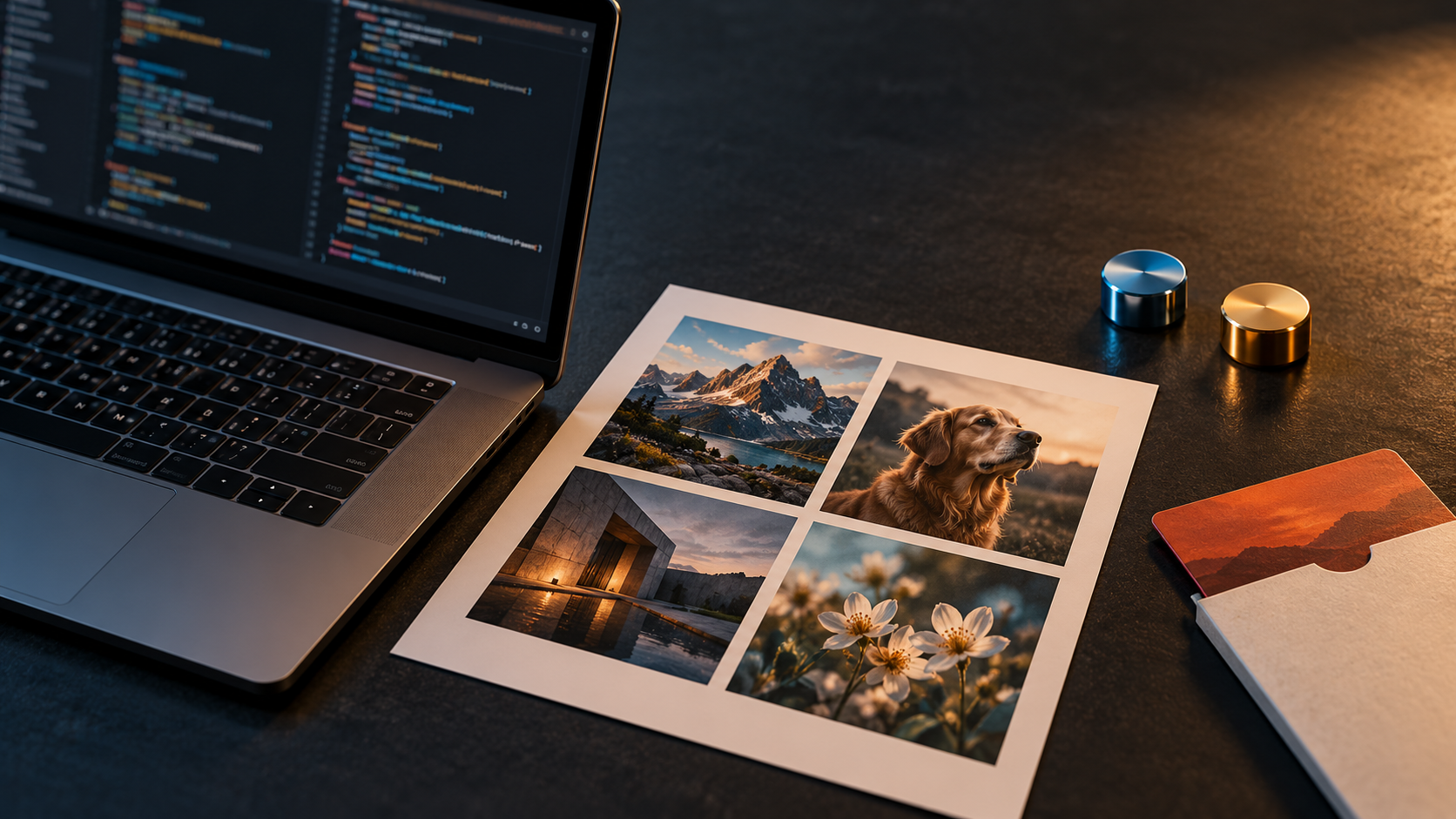
API developers now face a GPT Image 1 migration as an operational task, not a future cleanup: OpenAI shut down the gpt-image-1 API model on October 23, 2026. Existing applications should move to gpt-image-2.5-flare or gpt-image-2.5-sunburst, then compare the new output against saved old results instead of pretending the retired model can still produce a fresh baseline.
Workflow Overview
This guide keeps the migration narrow: freeze one known workload, replace the model, remove unsupported response controls, preserve comparable settings, and run a visual regression check. The shutdown applies to the API model. It does not mean that ChatGPT Images disappeared; OpenAI continues to provide Images 2.5 in ChatGPT and offers the Flare and Sunburst models through the API.
- Input: your current request code, prompts, reference images, expected dimensions, and saved outputs from the old model.
- Change: select one GPT Image 2.5 model and audit every image parameter.
- Decision: keep the least expensive operational configuration that passes your own quality and latency requirements.
- Evidence: record outputs, file properties, failures, and timing from the same test set.
What Changed on October 23, 2026
The official deprecations page and the Images generation reference both identify October 23, 2026 as the shutdown date for gpt-image-1. The documented replacements are gpt-image-2.5-flare and gpt-image-2.5-sunburst.
Do not build a migration test that calls the dead model and labels the result “before.” Use outputs that your application already saved, together with the exact prompts and reference assets that produced them. If no trustworthy old output exists, treat the first 2.5 run as a new baseline and say so.
Setup / Working Method
Begin by freezing a reproducible baseline before changing any request code.
- Select 10–30 representative jobs, including your hardest text, editing, identity, composition, and transparency cases.
- Save the exact prompt, ordered reference images, intended dimensions, output format, quality value, and background setting for each job.
- Attach the last trustworthy
gpt-image-1output when available. Record its file dimensions and format. - Separate required acceptance criteria from preferences. “Logo remains readable” is testable; “looks better” is not.
- Never overwrite the old files. Write every 2.5 result to a new, model-named directory.
Step 2: Choose Flare or Sunburst
OpenAI’s image prompting guide describes Flare as the smaller model optimized for speed, with image quality comparable to GPT Image 2. Sunburst is the base model optimized for quality, with higher image quality than GPT Image 2. Both improve precise editing and subject preservation.
- Start with Flare when throughput or interactive latency is the first constraint.
- Start with Sunburst when demanding quality, controlled editing, or subject preservation is the first constraint.
- Do not assume a universal winner. First keep prompts, references, dimensions, output format, and a shared quality value unchanged. Compare quality on your own workload, then compare latency after quality passes.
Step 3: Audit Every Request Parameter
| Field | Migration action | Acceptance check |
|---|---|---|
model | Replace gpt-image-1 with gpt-image-2.5-flare or gpt-image-2.5-sunburst. | Log the exact model string with every result. |
quality | Keep a shared old value such as low, medium, high, or auto for the first comparison. Test xhigh or max later if needed. | Do not silently increase quality while comparing models. |
size | Keep the old supported size first. For a custom size, both edges must be multiples of 16, the aspect ratio must stay between 1:3 and 3:1, and the maximum is 3840×2160. Sizes above 2560×1440 are marked experimental. | Decode the file and verify its actual pixel dimensions. |
output_format | Use png, jpeg, or webp. If an internal wrapper exposes a generic format field, map it explicitly to the API’s output_format. | Verify extension, MIME type, and decoder behavior. |
background | Use auto, opaque, or transparent. Transparent output requires PNG or WebP. | Inspect the alpha channel; a checkerboard preview is not proof. |
output_compression | Use a value from 0–100 only with JPEG or WebP. The documented default is 100. | Check file size and visible artifacts on detailed areas. |
response_format | Remove it from GPT Image requests. GPT Image models return base64 image data by default; URL output is unsupported for these models. | Decode the returned b64_json value and handle an absent URL. |
style | Remove the deprecated field. Put visual style requirements in the prompt. | Confirm the SDK sends no unsupported style parameter. |
Step 4: Use a Copyable Migration Configuration
This Python example uses the Images API and writes the returned base64 data to a file. Change only the model string for the first Flare-versus-Sunburst comparison.
from base64 import b64decode
from pathlib import Path
from openai import OpenAI

client = OpenAI()

MODEL = "gpt-image-2.5-flare"  # swap to gpt-image-2.5-sunburst
PROMPT = """Replace with one frozen production prompt.
Keep the wording unchanged for the first regression run."""

result = client.images.generate(
    model=MODEL,
    prompt=PROMPT,
    size="1536x1024",
    quality="high",
    background="opaque",
    output_format="png",
)

generated_image = result.data.pop()
image_bytes = b64decode(generated_image.b64_json)
Path(f"regression-{MODEL}.png").write_bytes(image_bytes)
If the production path edits images rather than generating from text, apply the same discipline to the Images edit endpoint: preserve the reference-image order, prompt, dimensions, format, and quality for the first comparison. Do not mix a model migration with prompt rewriting or asset changes.
Step 5: Run the Migration Evaluation Checklist
- Prompt and references: identical prompt text, reference-image order, crop, and asset versions.
- File contract: decoded successfully; expected dimensions, format, alpha behavior, and file naming.
- Subject fidelity: identity, product geometry, proportions, and recognizable details remain acceptable.
- Edit locality: requested regions change while protected people, objects, background, framing, and lighting remain stable.
- Text and layout: required copy is present, legible, correctly spelled, and not duplicated; complex layouts keep their hierarchy.
- Composition: camera, framing, object count, negative space, and aspect-ratio behavior meet the saved specification.
- Artifacts: no halos, broken edges, malformed hands, repeated objects, unintended text, or transparency fringing.
- Reliability: record invalid requests, safety refusals, retries, and empty or malformed responses.
- Latency: measure end-to-end time separately from quality; compare multiple runs rather than one anecdote.
- Decision: pass, conditional pass, or fail for each workload—not one global verdict based on a favorite image.
Implementation Steps
- Search the codebase, environment files, job definitions, tests, and dashboards for
gpt-image-1. - Create a dedicated migration branch and freeze the regression set before editing prompts.
- Remove
response_formatandstyle; replace any wrapper-levelformatmapping withoutput_format. - Run the same set with your starting 2.5 model, record the result metadata, and classify every failure.
- Test the second 2.5 model only after the first model has a complete result set.
- Choose the model and quality level that meet the written acceptance criteria, then update production configuration and monitoring.
- Keep a small regression set in continuous tests so later model or SDK changes cannot silently alter the output contract.
Workflow Use Cases
- High-volume asset generation: start with Flare and verify that throughput gains do not break text, composition, or brand constraints.
- Controlled product or identity edits: start with Sunburst when edit precision is the first requirement, then test Flare only after the quality bar is met.
- Transparent catalog assets: explicitly pair
background="transparent"with PNG or WebP and inspect real alpha pixels. - Prompt libraries: treat every stored prompt as a regression case; do not rewrite hundreds of prompts before establishing which ones actually fail.
Troubleshooting & Optimization
- The request fails immediately: confirm the model name, remove
response_formatandstyle, and validate custom dimensions against the current API schema. - The app waits for a URL: GPT Image responses provide base64 data by default. Update the response parser and storage path rather than retrying for a URL.
- Transparency becomes black or white: use PNG or WebP, decode the file, and inspect its alpha channel through the entire storage and delivery path.
- The new output looks different: first verify prompt, references, dimensions, format, background, and quality. Change one variable at a time after the controlled comparison.
- Flare is fast but misses the quality bar: try Sunburst with the same inputs. If Sunburst passes, keep it for that workload instead of weakening the acceptance criteria.
- Sunburst passes but latency is high: test Flare against the same requirements and switch only where it preserves acceptable quality while improving latency.
FAQ
- Q: Does the GPT Image 1 shutdown remove image generation from ChatGPT?
A: No. The October 23 event was the shutdown of thegpt-image-1API model. OpenAI’s Images 2.5 announcement describes continued image creation in ChatGPT and the two API models. - Q: Which model should replace GPT Image 1?
A: OpenAI names both Flare and Sunburst as replacements. Choose by testing workload-specific quality and latency rather than assuming one model fits every endpoint. - Q: Can I generate a new before image with GPT Image 1?
A: No. Use saved historical outputs if they are trustworthy. Otherwise label the first 2.5 result as a new baseline. - Q: Should I rewrite prompts during migration?
A: Not in the first comparison. Preserve prompt text and references so the model change is the variable you are measuring.
Explore more practical testing and prompt workflows in Prompt Engineering Guides. Follow @bigprompt for new production-ready prompt and API guides.
Continue with related visual prompt workflows
Use varied saved prompts—not one attractive sample—to expose migration regressions:
Travel Sketchbook Illustration Prompt: Hand-Drawn City Journal
Fashion Typography Poster Prompt: Editorial Campaign System
Material Typography Poster Prompt for Editorial Campaigns
Isometric Miniature Room Prompt for Cube-Shaped Scenes
Big Prompt Hub Review
The safest GPT Image 1 migration is deliberately boring: freeze evidence, change the model, remove unsupported fields, and compare against written requirements. Flare and Sunburst give developers two useful operating points, but the correct production choice is the one that passes a representative regression set with acceptable latency. Do not manufacture a before-and-after story after the old model is gone.
Leave a Reply
You must be logged in to post a comment.