
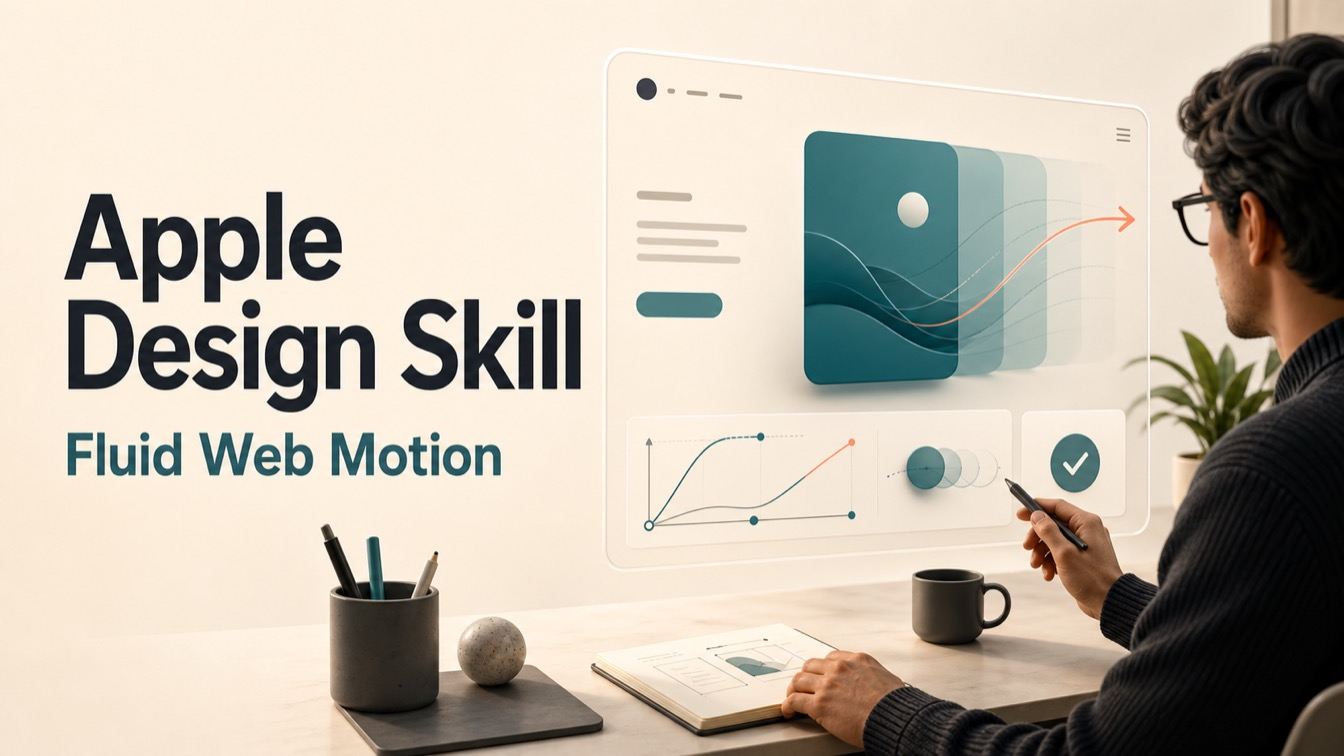
Frontend teams use apple design skill when a web interface already works, but its motion still feels delayed, scripted, heavy, or hard to interrupt. The skill translates fluid interface principles into concrete review language for gesture handling, spring motion, spatial continuity, materials, typography, and accessibility preferences.
This is a third-party skill in Emil Kowalski’s public skills repository. It should not be described as an official Apple product, Apple-maintained skill, or automatic code repair system.
Skill Summary
The skill focuses on fluid, physical interface behavior for the web. Its strongest material covers immediate response, direct manipulation, interruptible transitions, springs, velocity handoff, momentum projection, spatial consistency, rubber-banding, materials, multimodal feedback, reduced motion, and typography details.
Where This Skill Fits
Use it when the task involves a sheet, drawer, carousel, swipe action, draggable card, toolbar, popover, scroll edge, translucent surface, or motion-heavy component that should feel responsive instead of decorative. It is a review and design-guidance skill first; implementation still needs human judgment and code verification.
Who It Helps
- Frontend engineers reviewing whether a motion implementation tracks input continuously.
- Design engineers choosing spring behavior, gesture thresholds, and interruptibility rules.
- Product teams deciding whether an interaction needs motion, restraint, or a reduced-motion alternative.
- AI-assisted builders who need tighter review language before asking an agent to change UI code.
Access / Install Links
The repository README documents the collection-level installation command:
npx skills@latest add emilkowalski/skillsThe apple-design subdirectory contains the single-skill instructions. The repository-level command is the verified install context; the documentation does not provide a separate apple-design-only install command.
Setup Steps
- Install or review the skills repository through the documented collection-level command.
- Open a motion, gesture, or material-design task where the current UI behavior can be inspected.
- Ask the agent to apply apple-design only to the relevant interaction, not to the whole product.
- Validate any output against the actual interface, especially interruption, reduced-motion behavior, and frame smoothness.
Example Inputs
- Review this bottom sheet interaction for response, interruptibility, velocity handoff, and reduced-motion behavior.
- Check whether this carousel drag should use momentum projection, rubber-banding, or a simpler snap transition.
- Audit this translucent toolbar and scroll edge treatment for hierarchy, legibility, and overuse of blur.
- Translate “make this feel smoother” into specific spring, gesture, and typography decisions.
Expected Outputs
Expect review notes, design rationale, parameter guidance, and implementation direction. Good outputs should separate what to change, why it matters, and how to test the result. They should also name cases where motion should be reduced or removed rather than made more dramatic.
Use Cases
- Review a drag, swipe, sheet, popover, or carousel before merging UI code.
- Choose spring behavior for a gesture-driven interaction that can be interrupted.
- Improve feedback timing so the interface responds on press, drag, or pointer movement.
- Check reduced-motion, reduced-transparency, and contrast alternatives before shipping.
Common Mistakes & Fixes
- Mistake: asking for Apple-style motion across the whole product. Fix: choose one component or gesture and review that behavior.
- Mistake: treating bounce as polish. Fix: reserve overshoot for momentum-driven interactions and keep routine UI critically damped.
- Mistake: ignoring accessibility preferences. Fix: define reduced-motion, reduced-transparency, and contrast alternatives before implementation.
Limitations
- It is not an official Apple skill or Apple endorsement.
- The documentation does not prove business, conversion, retention, or accessibility outcomes.
- The verified install command is repository-level, not single-skill-only.
- It guides review and implementation choices, but it does not replace live UI testing.
Related Tools / Prompts
This skill pairs with frontend code agents, design-system QA, animation review workflows, and human approval loops. It is most valuable before implementation, when a team can still decide whether motion clarifies the interface or distracts from it.
FAQ
- Q: What is the apple design skill?
A: It is a third-party AI skill for applying Apple-style fluid interface principles to web interaction review and design work. - Q: Is Apple involved in maintaining it?
A: No. It is a third-party skill in Emil Kowalski’s repository. - Q: Does it automatically fix animation code?
A: No. Treat its output as review and guidance that still needs implementation and testing.
Use this skill when your team wants practical review language for fluid web motion, not a generic instruction to make an interface feel more polished.
Explore more in AI Skills and Coding & Development.
Follow @bigprompt for more practical AI skills and workflows.
Related Guides for Motion Review Work
Design engineering skills guide for choosing the right motion-review skill
Social media approval workflow for pairing generated drafts with human review
Product photo workflow showing how source assets become reviewed campaign creative
ChatGPT local folder guide for keeping project files available to a desktop agent
Unused agent skills cleanup guide for deciding which local skills still deserve space
Big Prompt Hub Review
The apple-design skill is useful when the problem is narrow and observable: a gesture, spring, sheet, drag state, material layer, or reduced-motion fallback. Its value is not that it makes UI “Apple-like” by default. Its value is that it turns vague motion taste into specific checks a frontend team can test.