
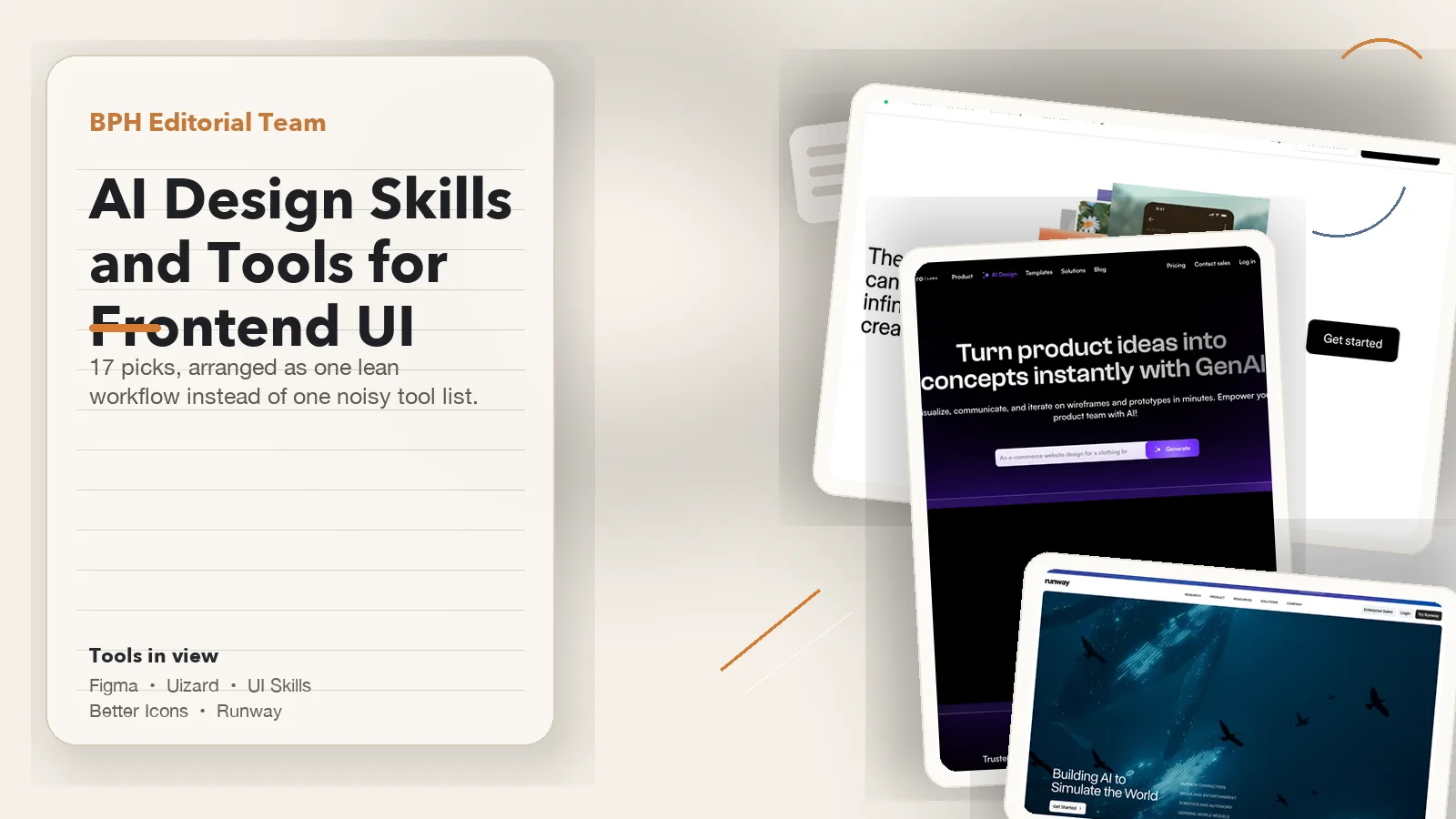
AI design skills for frontend UI matter when product teams need a sharper interface without carrying a bloated stack. The useful question is not how to collect every trendy app. It is how to choose one reliable system owner, one optional tool for faster early-stage exploration, the right critique skills, and only the supporting tools that solve a real workflow problem.
Tool Summary
This page covers 17 real picks, but it does not recommend 17 equal subscriptions. Most frontend UI teams only need a small working stack: one home for the product file, one optional early-exploration tool, one critique layer that improves weak screens, one narrow support layer for icons or surrounding assets, and a launch layer only when the work expands beyond the interface itself.
Setup / Working Method
The safest way to use this stack is to choose in sequence: first decide which tool owns the interface system, then add only one speed layer if discovery is slow, then add the critique skill that matches the UI weakness, and only after that decide whether the product truly needs support visuals or launch media.
This page mixes two kinds of guidance on purpose. When a sentence describes what a product or skill actually ships, it reflects official documentation or the public product surface. When a sentence says start with, delay, or add later, that is editorial judgment about stack order, overlap, and common frontend UI failure points. Product details were last checked on June 28, 2026.
- Start with one system owner: Figma should usually hold the real product workflow.
- Add speed only if speed is the real bottleneck: Uizard is strongest before the design system becomes mature.
- Invest in critique earlier than most teams do: Impeccable, UI Skills, Taste Skill, and UI Design Brain often improve the product more than one more generator.
- Keep the support layer narrow: Better Icons, Firefly, Midjourney, DreamStudio, and Lummi should support the UI, not hide a weak one.
- Treat motion and media as later layers: AI Kit by Motion, Runway, Magic Hour, and Synthesia matter only when the job grows into launch, onboarding, or training work.
17 Skills and Tools by Workflow Role
This table works best when you read it as a workflow map, not as 17 products fighting for one budget line. Some entries are system platforms, some are agent skills, some are asset utilities, and some only matter after the work expands into launch or training. The point is to show where each pick belongs in a frontend UI stack.
| Tool | Role, best fit, and why it matters |
|---|---|
| Figma | Role: System owner and product design collaboration platform. Best when: The team needs one shared system of record. Why it matters: It still anchors components, states, prototypes, review, and handoff better than anything else in this stack. |
| Uizard | Role: Fast framing layer and rapid UI prototyping tool. Best when: Rough ideas need to become visible options quickly. Why it matters: It accelerates early framing before the real product file settles. |
| Canva Magic Studio | Role: Support layout layer for collateral and light creative work. Best when: The same team also handles decks, social, or light support graphics. Why it matters: It is useful around the interface, but rarely should own the interface. |
| Microsoft Designer | Role: Support layout layer and lightweight graphic layout tool. Best when: The workflow already lives inside Microsoft-heavy tooling. Why it matters: It is convenient for lightweight layout work, not deep UI-system control. |
| Impeccable | Role: Critique skill for agent-facing design review. Best when: The screens work, but still feel generic. Why it matters: It is a strong pressure test for hierarchy, polish, and refinement. |
| UI Skills | Role: Skill registry and routing layer for specialized design-engineering skills. Best when: The team needs help deciding whether the weakness is accessibility, motion, React, shadcn, or another specific review path. Why it matters: It routes the agent into the right specialist skill instead of pretending one generic critique pass fixes every UI problem. |
| Taste Skill | Role: Critique skill that pushes against generic frontend output. Best when: The output feels average, safe, or visually flat. Why it matters: It raises taste, spacing, typography, and visual restraint. |
| UI Design Brain | Role: System reasoning skill for interface patterns and design-system knowledge. Best when: The team needs stronger reasoning about systems and patterns. Why it matters: It is useful when the gap is not prettiness but interface logic. |
| Better Icons | Role: Asset utility for icon discovery and retrieval through CLI and MCP workflows. Best when: Agents keep inventing SVGs, mixing icon libraries, or failing to retrieve the right icon from the library already in use. Why it matters: It solves icon discovery, library consistency, and asset retrieval more directly than a broad image tool. |
| Adobe Firefly | Role: Asset utility and brand-safe image-generation tool. Best when: The UI needs branded support visuals or controlled illustration. Why it matters: It is better for support assets than for fixing product structure. |
| Midjourney | Role: Asset utility for stylized concept images and mood direction. Best when: The team needs strong concept art or mood direction around the product. Why it matters: It can sharpen visual direction, but it does not replace UI craft. |
| Stable Diffusion / DreamStudio | Role: Asset utility with more custom control over image generation. Best when: The team wants more custom control over generated visuals. Why it matters: It adds flexibility, but also more complexity than many UI teams need. |
| Lummi | Role: Asset utility for fast contextual imagery. Best when: Fast surrounding imagery is enough. Why it matters: It helps presentations and case studies, not core interface quality. |
| AI Kit by Motion | Role: Product motion layer and implementation-aware motion toolkit. Best when: The product itself needs motion logic. Why it matters: It belongs inside the interface layer, not in generic video production. |
| Runway | Role: Launch-media layer for previews and promotional video. Best when: The product also needs launch trailers or app-preview media. Why it matters: It is a launch layer around the UI, not the core UI workflow. |
| Magic Hour | Role: Media-editing layer for AI-assisted postproduction work. Best when: The project has already expanded into media editing. Why it matters: It is useful after interface decisions, not before them. |
| Synthesia | Role: Enablement layer for training and explainer video. Best when: The team needs onboarding or training explainers. Why it matters: It supports enablement around the product rather than UI craft itself. |
If you only need a buying shortlist, stop after Figma, Uizard, one critique layer, and only the support or launch tools tied to recurring deliverables. The rest should not compete for the same line item.
System Ownership and Fast Framing
Figma matters more than any other pick here because it solves the coordination problem most AI tools ignore. Frontend UI work gets messy when multiple people are changing components, states, spacing, prototypes, and developer-facing notes at once. Figma still gives teams one place to keep those decisions reviewable and connected.

The real question is not whether AI can replace Figma. It is whether anything else in this list can replace shared system ownership once components, states, and handoff become real constraints. For most serious product teams, the answer is still no.
Uizard deserves attention for a different reason. It is one of the few tools in this list that meaningfully shortens the trip from rough product idea to first visible interface direction. That makes it valuable in MVP framing, early optioning, and client-direction work before the real system hardens.

The healthiest pattern is to let Uizard accelerate the first wave of ideas, then move the surviving direction into Figma before the work becomes component-heavy, state-heavy, or implementation-sensitive.
Canva Magic Studio and Microsoft Designer are useful sidecars rather than centerpiece tools. They help when the same team also handles decks, social cutdowns, or lightweight presentation graphics. They are much weaker once the work needs deep system ownership, careful interaction review, and clean design-engineering handoff.
- Choose Figma first when the job is shared product UI work.
- Add Uizard when early exploration speed is the real bottleneck.
- Use Canva Magic Studio or Microsoft Designer when the workflow spills into collateral and lightweight layout work around the interface.
Critique and Taste Skills
This is the cluster many teams underrate. They already have enough ways to generate screens, but their UI still feels weak because they lack sharper critique, taste, accessibility review, and system reasoning. That is why Impeccable, UI Skills, Taste Skill, and UI Design Brain matter more than a flat roundup usually admits.
| Tool | Use it when… | Wait when… |
|---|---|---|
| Impeccable | The UI is functional but still looks generic or under-polished. | You still do not know the right screen structure. |
| UI Skills | The issue is close to implementation: accessibility, interaction quality, or component logic. | You only want broad visual inspiration. |
| Taste Skill | The output feels average, safe, or visually weak. | The product priorities themselves are still muddy. |
| UI Design Brain | You need stronger reasoning about interface systems and patterns. | You expect a glossy mainstream shortcut instead of deeper system thinking. |
UI Skills should be read differently from the other three names here. It is closer to a registry and routing layer for design-engineering skills than one single critique engine. In practice, teams open UI Skills to decide whether the real weakness is accessibility, motion, React, shadcn, or an Impeccable-style review pass, then route into the specific skill that matches the problem.
If the team already has Figma and one fast framing route, the next big improvement usually comes from one of these four. Choose by weakness: start with Impeccable when the screens need polish pressure, route through UI Skills when the handoff path itself is unclear, add Taste Skill when the output lacks restraint, and use UI Design Brain when the problem is deeper system logic.
The strongest combinations are usually one focused critique tool plus one reasoning layer. Impeccable plus Taste Skill is useful when the UI feels generic and over-generated. UI Skills plus UI Design Brain is stronger when the team needs review quality during implementation and better pattern judgment at the same time.
Support Tools That Help Without Hiding Weak UI
Support tools should make a good interface easier to present, easier to brand, or easier to extend. They should not become camouflage for weak UX. That is the line between good stack design and expensive tool drift.
Better Icons deserves its own callout because icon quality is part of the UI itself. It is best when agents keep inventing SVGs, mixing icon libraries, or failing to retrieve the correct icon from the library already in use. That makes it valuable for icon discovery, code retrieval, and library consistency, but it still does not replace human taste about which icon style belongs in the product.
- Adobe Firefly: Best for controlled, brand-safe supporting visuals and illustrations around the product.
- Midjourney: Best for stylized concept direction, pitch art, and high-taste visual framing around the interface.
- Stable Diffusion / DreamStudio: Best when the team wants more custom control over generated assets and can carry the extra complexity.
- Lummi: Best for fast contextual imagery when the need is presentation support, not custom visual invention.
The caution is simple: if the interface itself is still unresolved, this layer is solving the wrong problem. These tools are strongest after the UI already deserves support.
Motion, Launch, and Training Layers
AI Kit by Motion, Runway, Magic Hour, and Synthesia all sit downstream from the main UI stack, but they do different jobs. The key split is whether the team needs motion inside the product or communication assets around the product.
| Tool | What it does well | What it should not replace |
|---|---|---|
| AI Kit by Motion | Product motion systems, transitions, and implementation-facing animation thinking. | Core interface structure or critique. |
| Runway | Launch trailers, app previews, and stakeholder-facing media around the product. | Design-system ownership. |
| Magic Hour | AI-assisted media edits once the project clearly includes promo or presentation work. | Product UI iteration. |
| Synthesia | Onboarding explainers, narrated walkthroughs, and training assets. | UX critique or system planning. |

The common mistake is overbuying this layer too early. If the product still lacks strong states, hierarchy, usability, or component logic, better motion tooling will not fix the more important design problem.
Four Starter Stacks
| Team type | Start with | Add next | Delay |
|---|---|---|---|
| Lean startup product team | Figma | Uizard plus one judgment tool | Most asset and launch tools |
| Design-engineering team | Figma | UI Skills or UI Design Brain | Broad image tooling unless the product really needs it |
| Agency shipping interfaces | Figma plus Uizard | Impeccable or Taste Skill, then Firefly or Midjourney as support | Training-heavy tools until the client needs enablement |
| SaaS team with onboarding pressure | Figma | One judgment tool, then Synthesia if onboarding is a real deliverable | Extra video tools that do not serve adoption |
Best Fit Users
- Frontend product teams: Teams trying to keep one serious product stack instead of collecting overlapping apps.
- Design engineers: Builders who care about critique quality, implementation clarity, motion boundaries, and handoff logic.
- Startup designers: Small teams that need one lean workflow with very selective add-ons.
- Agencies shipping interfaces: Teams that need to separate core UI tools from presentation, launch, and enablement layers.
Comparison / Limits
The biggest limit in a topic like this is pretending that coverage equals decision help. It does not. Some of these tools improve system ownership, some improve critique, some improve support assets, and some only matter after the product expands into launch or training work. If the page does not keep those jobs separate, the recommendations turn into noise.
This guide also does not replace product judgment, user research, or engineering review. A team can still choose the right tools and build a weak interface if the underlying product logic is muddy. These skills and tools help when the direction is understandable and the team needs sharper execution, not when the product itself is still unresolved.
If you want a narrower companion page that stays closer to agent-skill reasoning only, use AI Design Skills Guide. This page stays wider on purpose because frontend UI teams usually need one system owner and one surrounding asset or launch layer as well.
Use Cases
- MVP interface setup: Use Figma as the home base, Uizard for early options, and one judgment tool before engineering handoff.
- Design-system cleanup: Use Figma plus Better Icons and one critique tool when the real problem is inconsistency rather than a lack of ideas.
- High-taste revision sprint: Use Impeccable, Taste Skill, UI Skills, or UI Design Brain when the UI already exists but still feels generic.
- Presentation-heavy product work: Add Firefly, Midjourney, DreamStudio, or Lummi when the interface needs surrounding concept art, case-study imagery, or pitch support.
- Launch and enablement expansion: Add AI Kit by Motion, Runway, Magic Hour, or Synthesia only when the interface also needs previews, explainers, or training media.
Troubleshooting & Optimization
- Too many subscriptions, too little clarity: Cut back to one system owner, one optional speed layer, one judgment layer, and only the support tools your workflow repeatedly proves it needs.
- The UI still looks weak after more generation: Stop adding generators and move earlier into critique, taste, and review skills.
- Support visuals are distracting from product quality: Reduce reliance on Firefly, Midjourney, DreamStudio, or Lummi until the interface itself improves.
- The team is buying motion tools too early: Use AI Kit by Motion for real product animation first, then justify Runway, Magic Hour, or Synthesia only if launch or training work is genuinely part of the job.
- Handoff drift keeps returning: Re-center the workflow on Figma and pair this page with Frontend UI Workflow with AI Prompts so states, responsive rules, and implementation notes are documented instead of implied.
FAQ
- Q: What do AI design skills for frontend UI actually cover?
A: They cover five jobs: system ownership, fast framing, critique and taste, support assets, and motion or launch expansion. This page keeps the skills layer in front while also showing which supporting tools actually deserve a place in the stack. - Q: Which tools should most frontend UI teams start with?
A: Start with Figma, add Uizard only if early speed is a real bottleneck, and then invest earlier in critique skills than in support visuals or launch tools. - Q: Why keep both skills and tools in the page?
A: Because frontend UI quality depends on more than software names. Teams still need critique, taste, system thinking, accessibility review, and cleaner handoff judgment, and those skills often matter more than one more generator. - Q: Do all 17 picks deserve equal attention?
A: No. Figma should hold the center, Uizard matters when speed matters, the critique cluster often improves the product more than new generators, and many support or media tools should stay optional until the workflow truly needs them.
Need the prompt side of this cluster too? Open AI Design Skills Guide for critique and handoff reasoning, then continue into Frontend UI Workflow with AI Prompts when the interface needs state logic, responsive rules, and implementation-facing structure.
Explore more? View the AI Tools or Coding & Development category.
We hope this guide helps you build a leaner frontend UI stack.
Share in the comments or follow @bigprompt for more AI design and workflow guides.
Internal link:
Frontend UI Workflow with AI Prompts That Reduce Design-to-Dev Drift
AI Web Design Skills That Improve Homepage Flow and CTA Structure
Claude Mobile App Prompts That Carry an App Build from Idea to Launch
Brand Identity Guideline Board Prompt: Premium Brand Board Layout
Big Prompt Hub Review
Most frontend UI teams should start with Figma as the system owner, add Uizard only when early exploration is genuinely slow, choose one critique path before paying for more generation, and treat support or launch tools as optional layers that must earn their cost. That is the practical takeaway of this page. No article can remove the need for human product judgment once real interface trade-offs begin, but a good stack map can prevent a lot of expensive tool drift.