
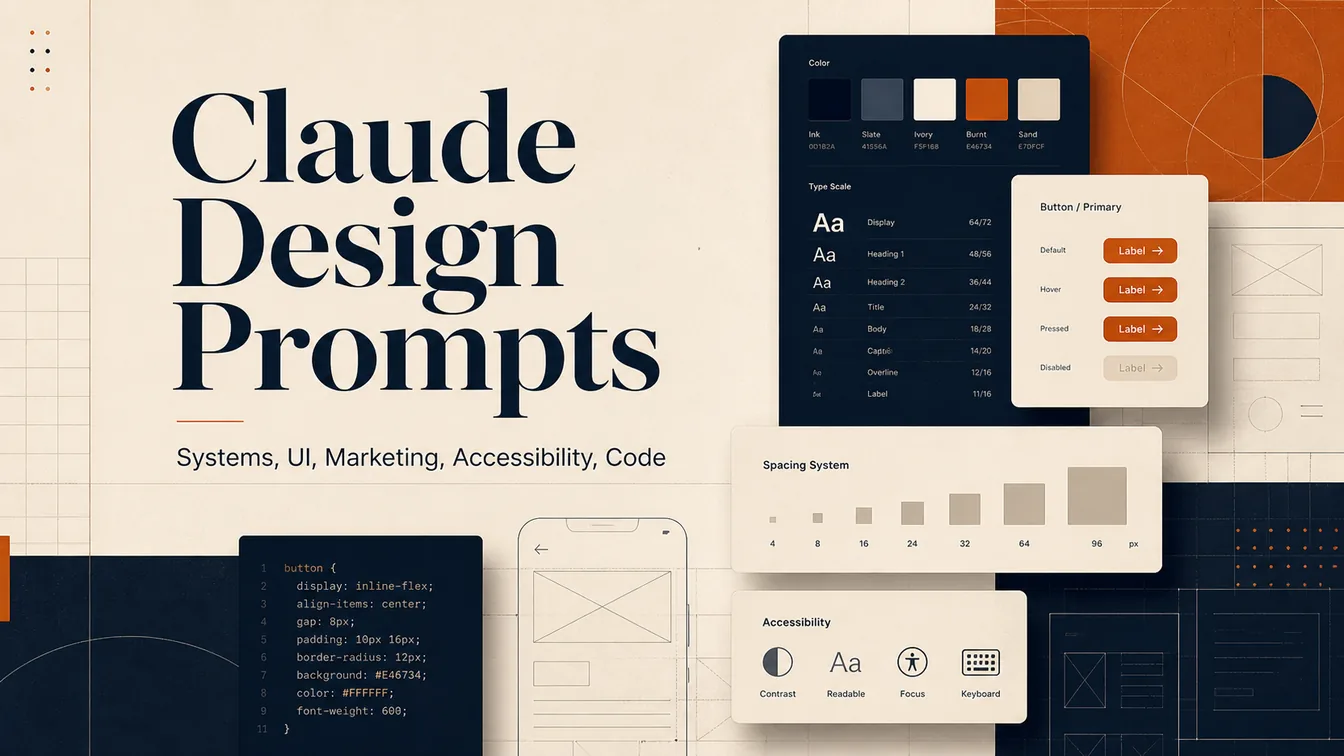
Claude design prompts work best when systems planning, UI structure, campaign assets, critique, accessibility, and handoff are treated as separate design jobs inside one operating set, giving product, agency, and brand teams a cleaner workflow than disconnected prompt tricks. This pack is strongest when each section is chosen for a distinct design task rather than reused as the same instruction in new words.
Image Example

Claude Design Prompts Pack Overview
This pack captures the publicly visible prompts from the Aurora thread. The source post says there are nine prompts, but only eight prompts were actually visible in the public comments supplied for production. Prompt 2 was not posted, so this page preserves the numbering gap instead of reconstructing missing source text.
- Track 1: Build a full design system with foundations, components, tokens, and dev guidance.
- Track 2: Design end-to-end UI patterns and screen logic around Apple-style interaction rules.
- Track 3: Generate a coordinated campaign asset library across ads, email, landing pages, and sales material.
- Track 4: Translate interface ideas into Figma auto-layout, variants, tokens, and handoff specs.
- Track 5: Run a structured design critique with heuristics, accessibility, and redesign directions.
- Track 6: Map 2026 design trends, white space, and mood-board direction for one industry.
- Track 7: Audit a product against WCAG 2.2 AA and mobile accessibility behavior.
- Track 8: Convert a design into production-ready frontend architecture and implementation code.
Strategic Deployment Guide
Pack model fit: Claude is the native match because the source pack is written for Claude Opus 4.6, but the prompts also map well to ChatGPT when you need broader implementation follow-through after the design thinking phase. Keep the prompts task-specific, feed each one real brand context, and do not ask one prompt to replace the whole pack at once.
Prompt 1: The Design System Architect
- Target: Teams building or cleaning a design system before interface production drifts.
- Input: Brand name, product surface, accessibility expectations, and component scope.
- Model fit: Claude for long-structure design-system planning and system documentation.
- Expected output: Foundations, components, tokens, principles, usage rules, and a publish-ready dev guide.
- Quality check: The result should connect visual rules to implementation and accessibility, not just list colors and components.
Act as Apple Principal Designer. Build a complete design system for [BRAND]. Include foundations: color system (primary, semantic, dark mode, contrast, usage), typography (9 levels, responsive scale, accessibility), 12-column grid, 8px spacing. Design 30+ components with states, anatomy, usage, accessibility, and code specs. Add patterns, design tokens JSON, principles, do’s/don’ts, and dev guide. Publish-ready.Prompt 2: The UI/UX Pattern Master
- Target: Designers shaping full product flows instead of one-off screens.
- Input: App type, persona, goals, pain points, and platform constraints.
- Model fit: Claude for structured screen logic, platform rules, and interaction documentation.
- Expected output: Eight core screens, interaction states, accessibility rules, and designer notes.
- Quality check: The output should define hierarchy and interaction behavior, not just visual style language.
Act as a Senior Apple UI Designer. Design a full UI for [APP TYPE] based on [PERSONA], goals, and pain points. Follow Apple HIG. Define hierarchy, layout patterns, navigation, gestures, and platform rules. Detail 8 core screens with wireframes, components, interactions, empty/error/loading states. Specify buttons, forms, cards, data viz, accessibility (WCAG, VoiceOver, Dynamic Type), micro-interactions, and responsive behavior. Include Designer’s Notes.Prompt 3: The Marketing Asset Factory
- Target: Brand or growth teams that need campaign consistency across channels.
- Input: Product, campaign goal, audience, channel mix, and brand voice.
- Model fit: Claude for long-form campaign structure and asset-library consistency.
- Expected output: Ad copy, email sequences, landing-page direction, social content, and A/B tests.
- Quality check: Every asset should share one message hierarchy instead of reading like separate campaigns.
Act as Creative Director at a top agency. Build a full campaign asset library for [PRODUCT]. Include: Google Ads, Meta/TikTok ads, email sequences (welcome, promo, nurture, re-engagement), landing page copy, social posts, sales enablement materials, and content marketing outlines. Provide exact copy, visual direction, CTA, and A/B tests for each. Maintain consistent messaging, tone, and hierarchy across all assets.Prompt 4: The Figma Auto-Layout Expert
- Target: Designers translating rough ideas into buildable Figma structure.
- Input: Design description, breakpoint behavior, and component-library expectations.
- Model fit: Claude for specification-heavy Figma ops and component architecture.
- Expected output: Frames, constraints, auto-layout rules, variants, tokens, prototype notes, and handoff setup.
- Quality check: The spec should be directly actionable in Figma, not just descriptive of layout taste.
Act as a Figma Design Ops Specialist. Convert [DESIGN DESCRIPTION] into Figma-ready specs. Define frame structure, grids, constraints, and responsive rules. Detail auto-layout (direction, padding, spacing, alignment, resizing). Build component architecture with variants and properties. Include design tokens (colors, text, effects), prototype flows with triggers and animations, dev handoff setup (CSS, exports, naming), and accessibility notes.Prompt 5: The Design Critique Partner
- Target: Teams reviewing a design before iteration or stakeholder review.
- Input: One design, its business goal, and the context it needs to serve.
- Model fit: Claude for structured critique with heuristics and redesign prioritization.
- Expected output: Heuristic scoring, prioritized fixes, accessibility flags, and redesign directions.
- Quality check: The critique should stay specific and repair-oriented instead of drifting into generic taste commentary.
Act as an Apple Design Director. Critique [DESIGN]. Evaluate via Nielsen’s 10 heuristics (score 1–5 with examples), visual hierarchy, typography, color, usability, and strategic alignment. Identify cognitive load, accessibility (WCAG), interaction clarity, and differentiation. Provide prioritized fixes (Critical, Important, Polish). Propose 2 alternative redesign directions described clearly. Tone: constructive, actionable, educational.Prompt 6: The Design Trend Synthesizer
- Target: Strategy or brand teams planning a design direction for a market category.
- Input: Industry, competitor set, product tier, and planning horizon.
- Model fit: Claude for synthesis-heavy research structure and strategic summarization.
- Expected output: Macro trends, competitor mapping, white space, recommendations, and mood-board specs.
- Quality check: The output should connect trends to business decisions, not just list visual buzzwords.
Act as a frog Design Researcher. Analyze 2026 trends for [INDUSTRY]. Deliver: 5 macro trends (definition, visuals, origin, adoption phase, 3 brand examples, risks/opportunities), competitor 2×2 map with white space insights, user expectation shifts, platform evolution (iOS, Material, Web), strategic recommendations, 6-month roadmap, and detailed mood board specs with palette + typography guidance. Be specific and cite real brands.Prompt 7: The Accessibility Auditor
- Target: Teams auditing a shipped or near-shipped design for accessibility gaps.
- Input: One design, its interface states, supported devices, and content patterns.
- Model fit: Claude for structured accessibility auditing and remediation breakdowns.
- Expected output: A pass/fail checklist, violations, remediation steps, and accessibility priorities.
- Quality check: The audit should explain the exact failure and fix path, not simply label the design inaccessible.
Act as Apple Accessibility Specialist. Audit [DESIGN] against WCAG 2.2 AA. Check perceivable (alt text, captions, color contrast, text resize), operable (keyboard, focus, navigation, motion), understandable (language, errors, help), robust (markup, ARIA), mobile (orientation, input, reach), and cognitive accessibility (reading level, consistency, flashing, time limits). Deliver pass/fail checklist, violations, remediation steps, and accessibility.Prompt 8: The Design-to-Code Translator
- Target: Teams converting approved design work into frontend implementation.
- Input: One design, chosen tech stack, data needs, and component expectations.
- Model fit: Claude or ChatGPT for design-to-code decomposition and implementation scaffolding.
- Expected output: Component hierarchy, code, responsive rules, tokens, accessibility, testing, and docs.
- Quality check: The result should map design decisions into concrete frontend architecture instead of dumping disconnected snippets.
Act as a Vercel Design Engineer. Convert [DESIGN] into production-ready frontend code using [TECH STACK]. Deliver component hierarchy, props, state, data flow, copy-paste code, responsive layout, ARIA/accessibility, error/loading states, animations, styling (CSS/Tailwind with design tokens, dark mode, breakpoints, states), asset optimization, performance tips, testing strategy, and documentation.Selection Logic
Use Prompt 1 when your system rules are missing, Prompt 3 when the product flow itself is still being designed, and Prompt 5 when the work is blocked at the Figma-operations layer. Prompt 4 is the campaign branch, Prompt 6 is the critique branch, Prompt 7 is the research branch, Prompt 8 is the compliance branch, and Prompt 9 is the implementation branch. Because Prompt 2 was not public, this page should be read as an eight-prompt operational pack rather than a reconstructed nine-prompt sequence.
Implementation Steps
- Choose one workstream first: Start with system design, UI flow, campaign production, critique, research, accessibility, or code handoff instead of asking Claude to do the whole pack in one prompt.
- Feed real design context: Add brand rules, product type, users, constraints, current screens, and delivery format so the output can move beyond generic design advice.
- Chain the prompts deliberately: Move from Prompt 1 or 3 into 5, then 6, 8, or 9 depending on whether you need structure, critique, accessibility, or code next.
- Export and normalize the output: Rebuild final tokens, components, and handoff artifacts in Figma, docs, or code after Claude drafts the structure.
- Audit the source gap: Keep a note that Prompt 2 was missing from the public thread so future reuse of this pack does not assume a hidden step exists.
Use Cases
- SaaS product squad shipping an iOS dashboard: Use Prompt 1 for the token system, Prompt 3 for eight core app screens, Prompt 8 for VoiceOver and Dynamic Type checks, then hand the approved flow to engineering with Prompt 9.
- Agency team preparing a client launch deck: Use Prompt 1 for the design-system section, Prompt 4 for paid-social ads and welcome emails, and Prompt 7 for competitor white-space slides and mood-board direction in the strategy presentation.
- Seed-stage startup launching a fintech app in six weeks: Use Prompt 3 to map onboarding and account screens, Prompt 5 to build Figma auto-layout specs for the handoff file, and Prompt 9 to generate the first responsive frontend implementation for the launch site.
- Design lead running a portfolio-review workshop: Use Prompt 6 to score one candidate case study with Nielsen heuristics, then use Prompt 8 to produce a pass/fail accessibility remediation sheet that can be reviewed live with the cohort.
Why These Prompts Work
These prompts work because each one is role-locked and deliverable-specific. Instead of asking for vague design help, the pack assigns Claude a senior design role, a concrete artifact, and a structured output expectation. That framing reduces generic output drift and makes it easier to sequence design strategy, production, critique, compliance, and implementation without losing context.
Troubleshooting & Optimization
- The output feels generic: Replace broad placeholders with product type, audience, constraints, and file-format expectations before rerunning the prompt.
- The design system is too abstract: Ask the model to restate each component with anatomy, states, accessibility, and code-facing specs.
- The campaign pack loses consistency: Append maintain one message hierarchy, one tone system, and one CTA logic across every asset.
- The code handoff is weak: Append map every design block to component hierarchy, props, state, tokens, and responsive behavior.
FAQ
- Q: What are Claude design prompts best used for?
A: They work best when the team needs structured design deliverables such as systems, UI patterns, critique, accessibility audits, or design-to-code translation instead of general brainstorming. - Q: Why does this pack skip Prompt 2?
A: Because the source post claimed nine prompts, but only eight prompts were publicly visible. This page preserves that source gap instead of fabricating missing prompt text. - Q: Can I run these prompts in ChatGPT instead of Claude?
A: Yes, especially for implementation or follow-through work, but the source framing and role wording were originally written for Claude Opus 4.6. - Q: Which prompt should I start with?
A: Start with Prompt 1 for systems, Prompt 3 for interface flow, Prompt 4 for campaign production, or Prompt 9 if your main job is turning approved design into code.
Need adjacent prompt systems? Use the AI Design Skills Guide for broader design judgment, move into the AI Web Design Skills prompt pack for homepage and navigation structure, and continue to Frontend UI Workflow with AI Prompts when the work needs implementation-phase sequencing.
Use this prompt pack to generate your version? Share in the comments or on Twitter!
Explore more? View the Image & Design or Prompt Engineering Guides category.
I hope you found this design prompt pack helpful.
Follow me @bigprompt for more.
Like/Repost if you can this prompt.
Internal link:
World Cup Country Poster Prompt for Luxury National Campaigns
Coffee Advertising Poster Prompt for Futuristic Brand Dashboard Campaigns
World Cup Pass Prompt for Collectible National Tournament Posters
Passport City Diorama Prompt for Editorial Travel Posters
Miniature Match Worlds from a Football Stadium Map Diorama Prompt
Big Prompt Hub Review
This page is strongest when one design team needs a reusable Claude operating pack rather than a single narrow prompt. The pack covers system building, UI design, campaign output, critique, research, accessibility, and code translation with clean role separation. Its main limitation is source completeness: Prompt 2 was never publicly visible, so the page should be used as an eight-prompt public pack, not a hidden full-thread reconstruction.